

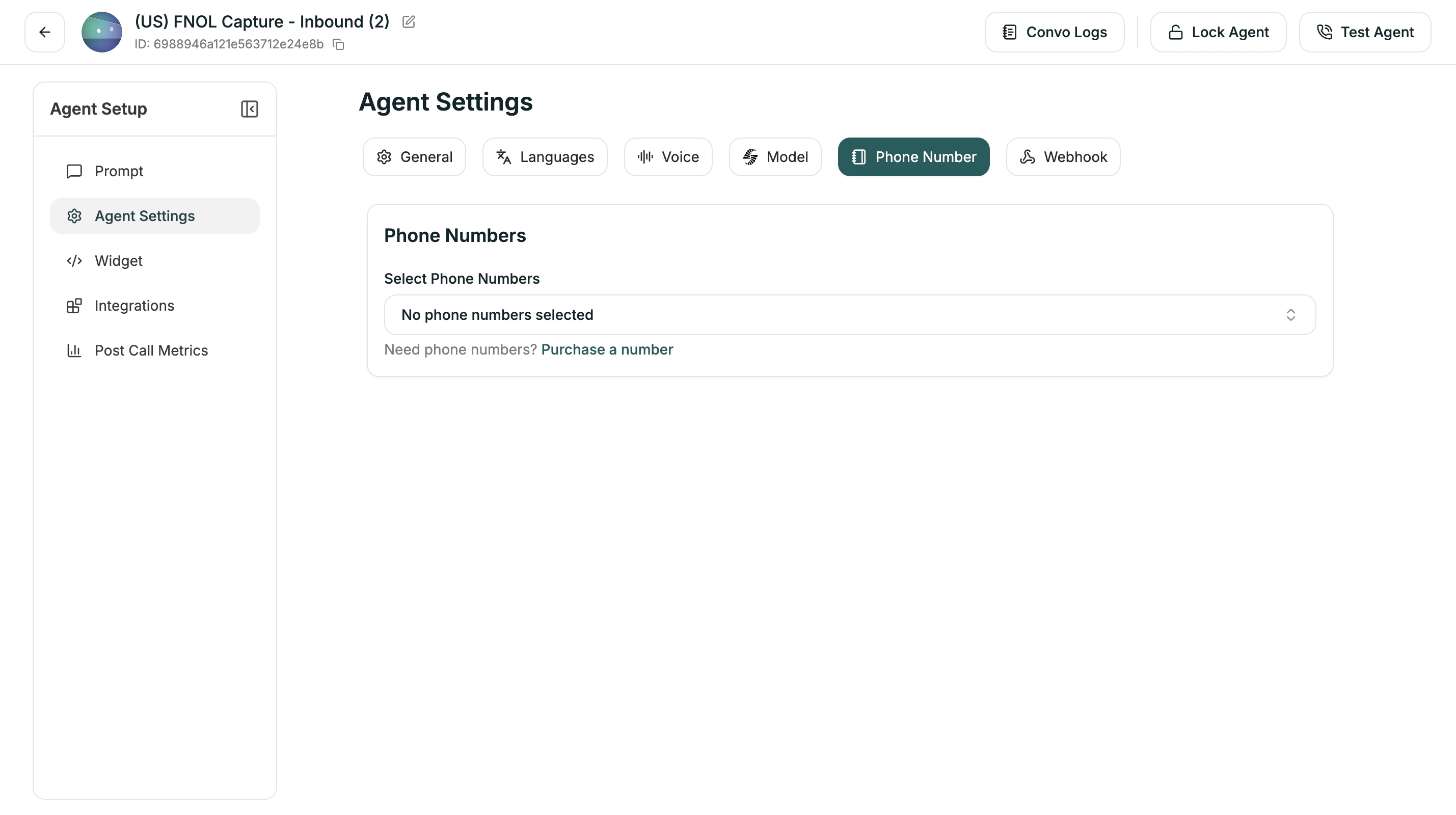
Select Phone Numbers
Click the dropdown to choose from your available phone numbers. If you haven’t set up any numbers yet, you’ll see “No phone numbers selected.” You can assign multiple numbers to the same agent if needed.You need to purchase or configure phone numbers before they appear here. See Phone Numbers to get started.
Related
Phone Numbers
Get and manage phone numbers
Campaigns
Set up outbound calling