

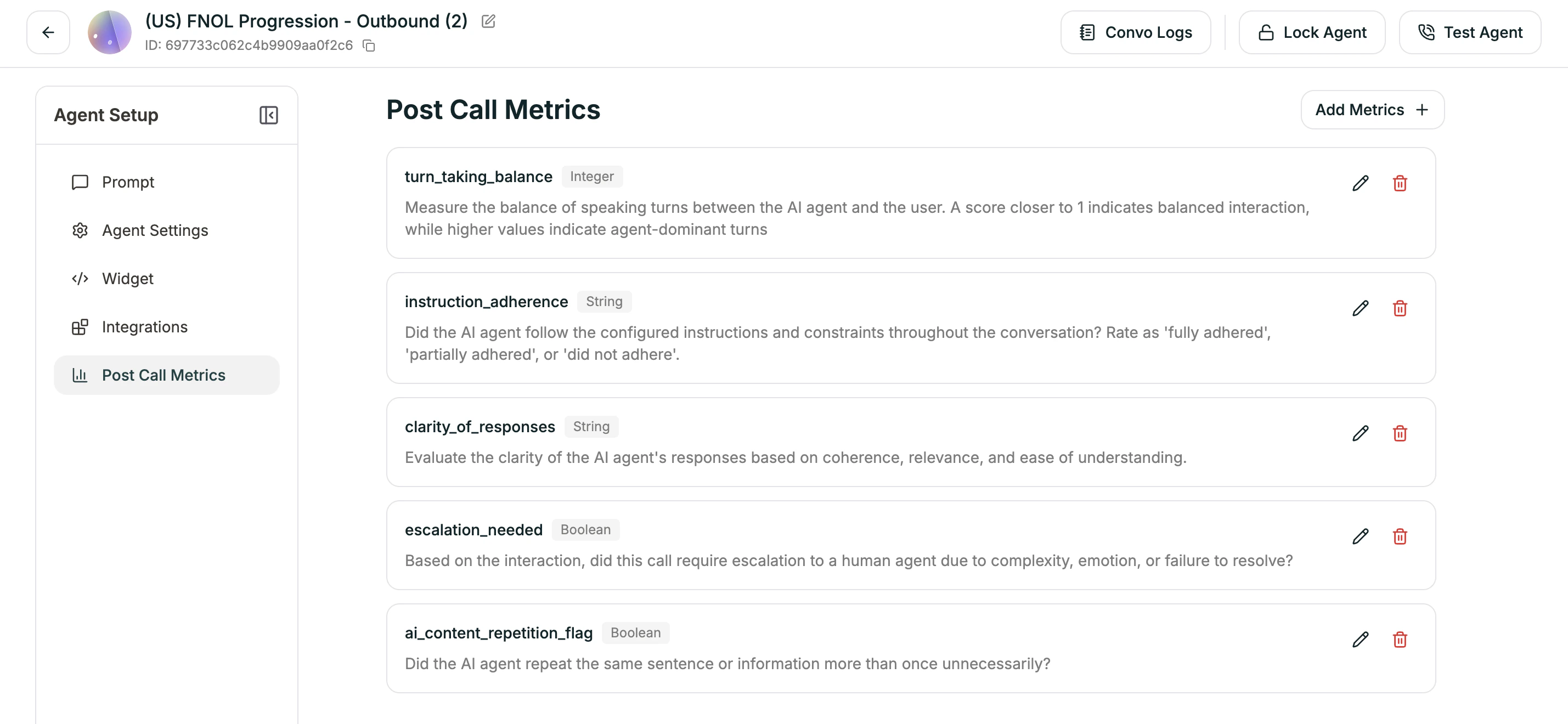
How It Works
- You define metrics — What questions do you want answered about each call?
- Call ends — Conversation completes normally
- AI analyzes — Atoms reviews the transcript against your metrics
- Data populated — Your metrics get filled in automatically
- Access anywhere — View in logs, receive via webhook, export
Creating a New Metric
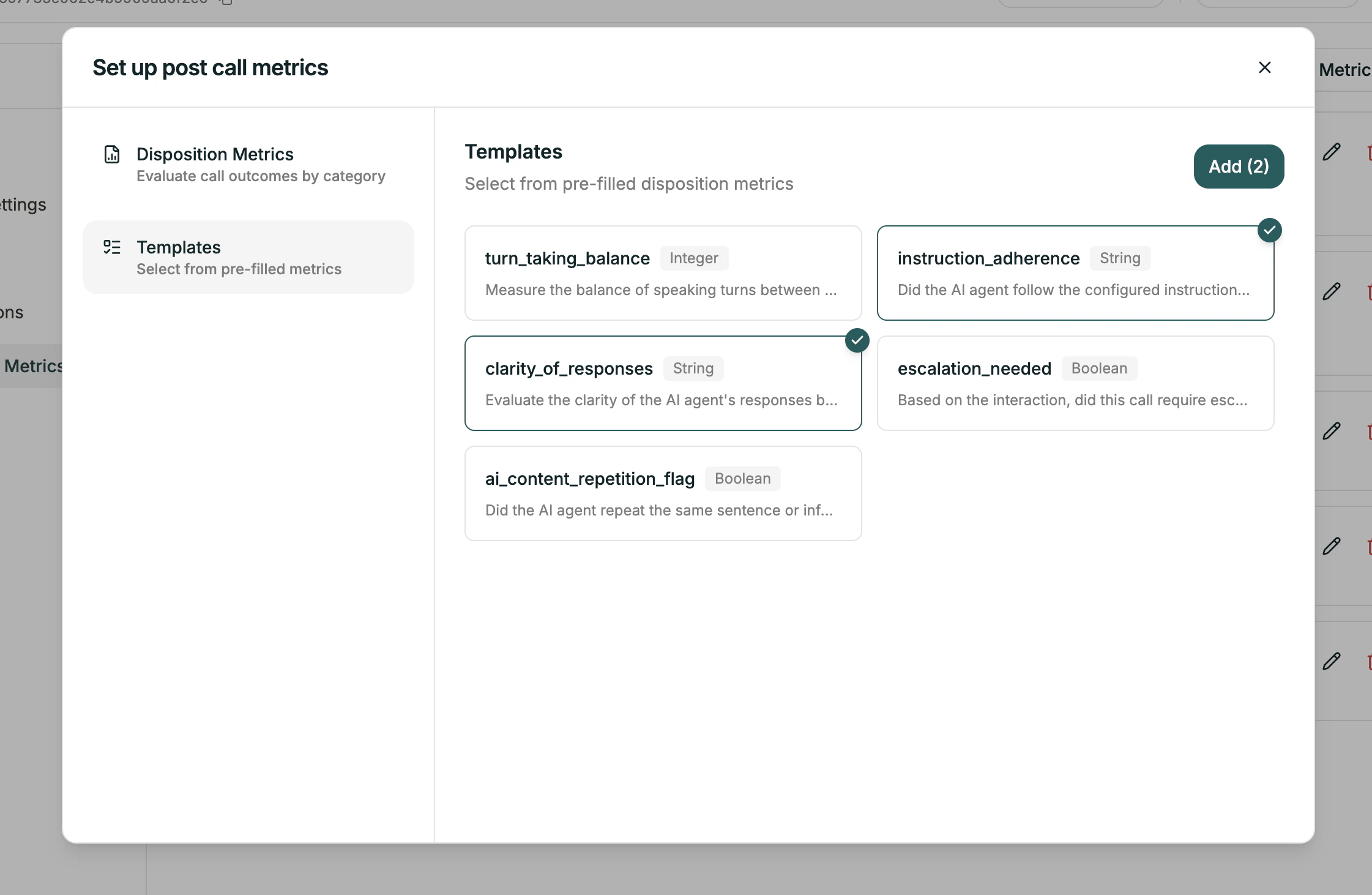
Click the Add Metrics + button to open the configuration panel. You’ll see two options:- Disposition Metrics
- Templates
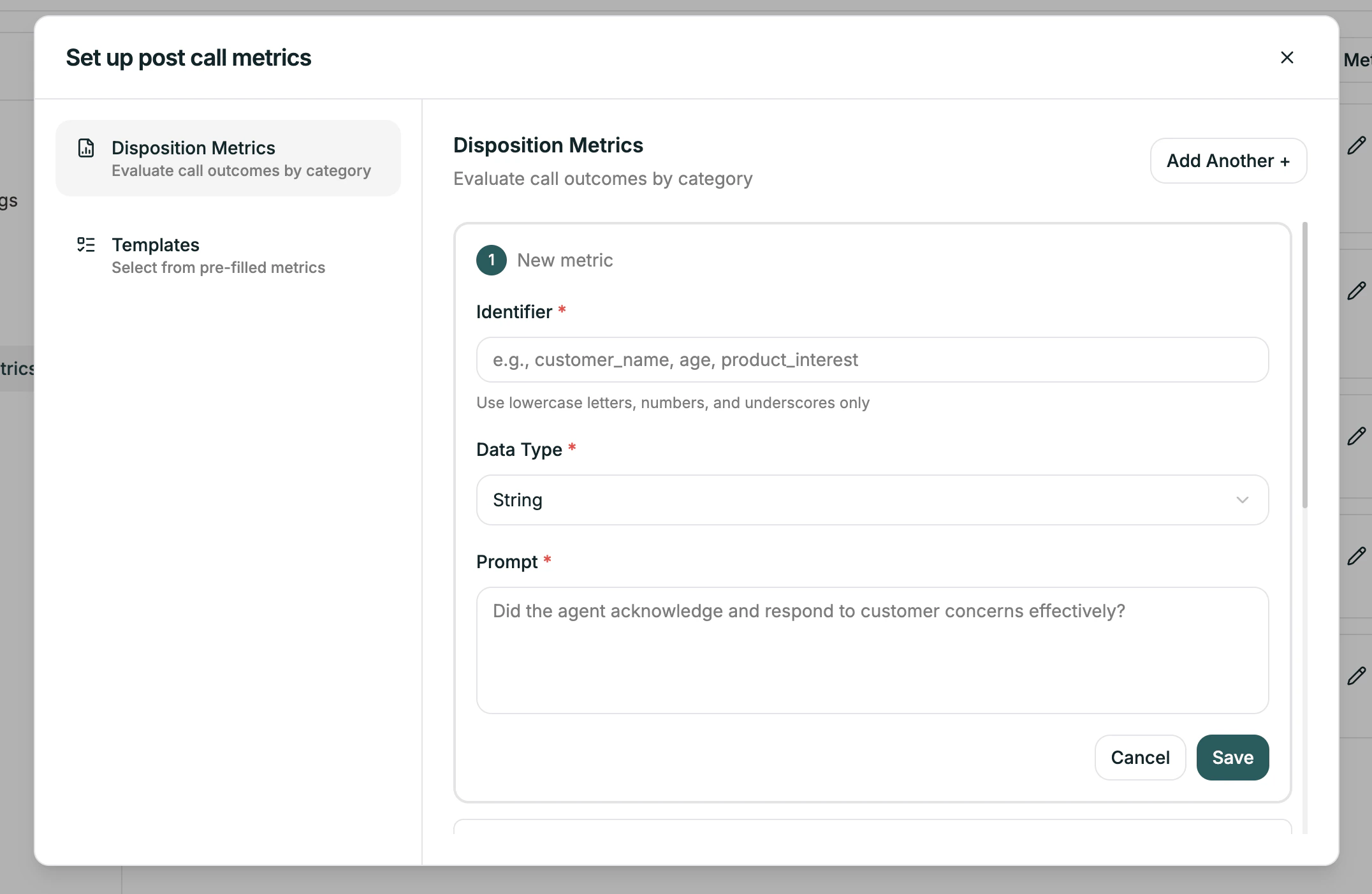
Don’t forget to hit Save in the Disposition tab once you’re done.
Configuring a Metric
Each metric needs three things:| Field | Required | Description |
|---|---|---|
| Identifier | Yes | Unique name for this metric. Lowercase, numbers, underscores only. |
| Data Type | Yes | What kind of value: String, Number, or Boolean |
| Prompt | Yes | The question you want answered about the call |
Identifier
This is the key used to reference the metric in exports, webhooks, and the API.Naming rules: Lowercase letters, numbers, and underscores only. No spaces or special characters.
Data Type
| Type | Use for | Example values |
|---|---|---|
| String | Free text, categories | ”resolved”, “escalated”, “billing issue” |
| Boolean | Yes/no questions | true, false |
| Integer | Whole numbers, scores | 1, 5, 10 |
| Enum | Fixed set of options | One of: “low”, “medium”, “high” |
| Datetime | Dates and times | ”2024-01-15T10:30:00Z” |
Prompt
This is the question the AI answers by analyzing the transcript. Be specific. Good prompts:- “Did the agent acknowledge and respond to customer concerns effectively?”
- “Rate customer satisfaction from 1 to 5 based on tone and words used.”
- “What was the primary reason for this call? Options: billing, technical, account, other”
- “Was it good?”
- “Customer happy?”
Example Metrics
- Call Outcome
- Satisfaction Score
- Follow-Up Needed
- Issue Category
| Field | Value |
|---|---|
| Identifier | call_outcome |
| Data Type | String |
| Prompt | ”What was the outcome of this call? Options: resolved, escalated, transferred, abandoned, callback_scheduled” |
Related
Conversation Logs
View metrics for individual calls
Analytics Dashboard
See aggregated trends across calls