

How It Works
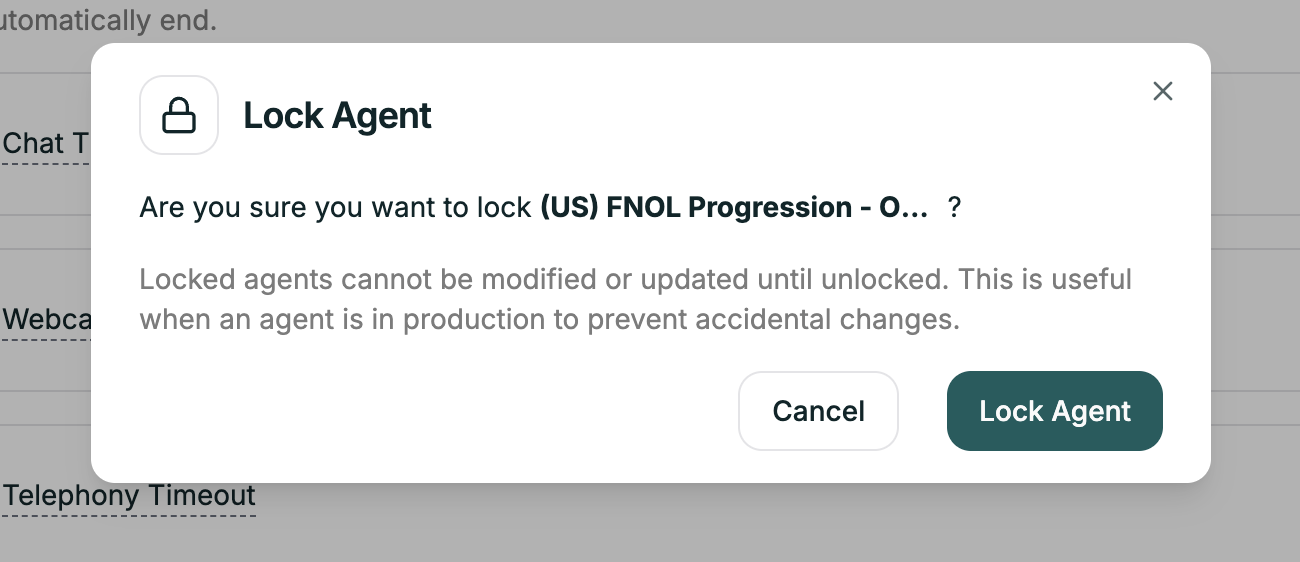
Toggle Lock Agent to ON — all editing becomes disabled. What’s blocked:- Prompt editing
- Configuration changes
- Settings modifications
- Node changes (Convo Flow)
- Test Agent
- View Conversation Logs
- Live calls continue normally
Related
Testing
Test before locking
Phone Numbers
Deploy to production