

Call Logs List
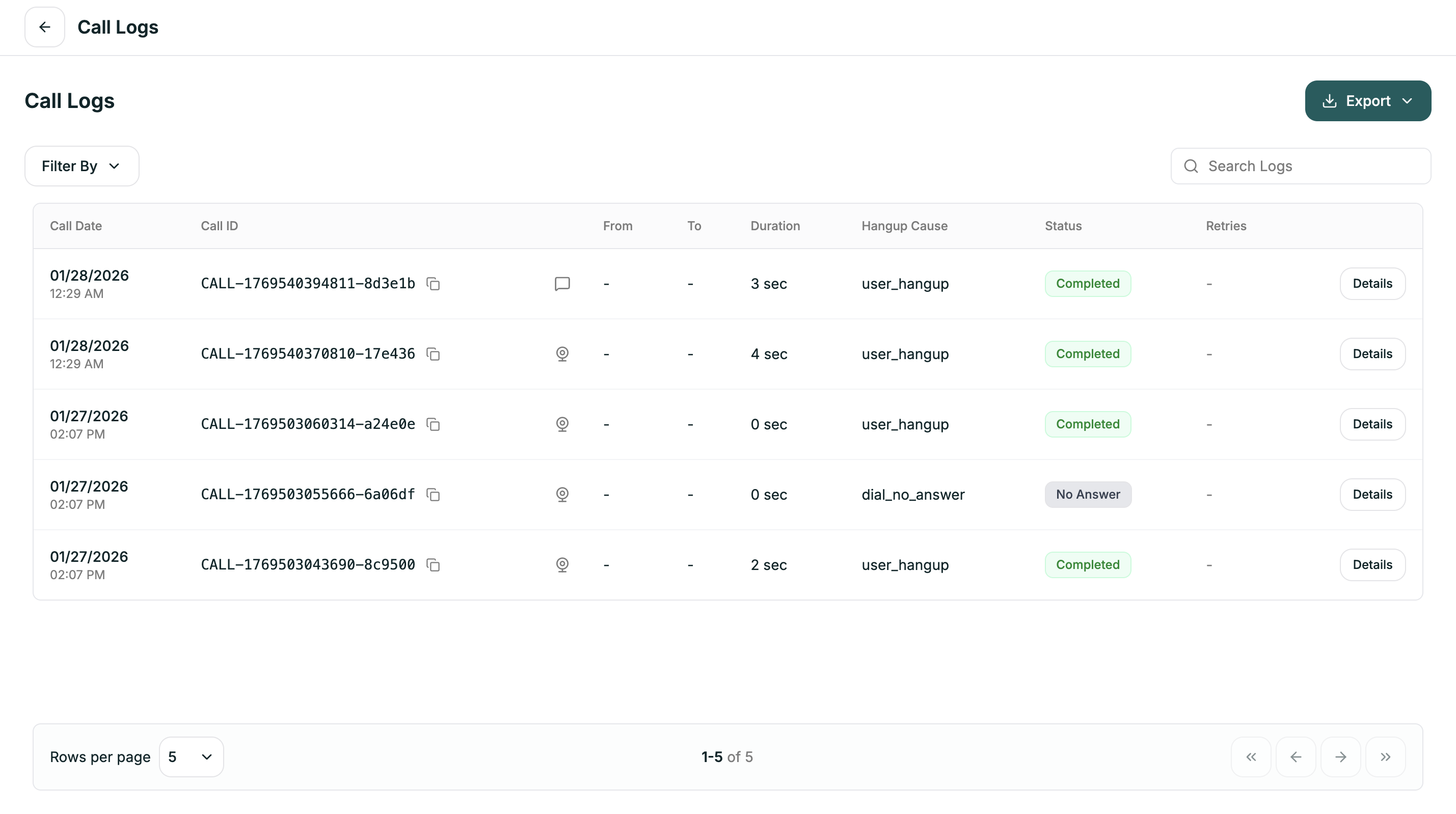
| Column | Description |
|---|---|
| Call Date | When the call occurred |
| Call ID | Unique identifier (click to copy) |
| From / To | Phone numbers or sources |
| Duration | How long the call lasted |
| Hangup Cause | Why the call ended |
| Status | Current state of the call |
| Retries | Number of retry attempts |
| Details | Click to view full conversation |
Filtering
Click Filter By to narrow down your logs:| Filter | Options |
|---|---|
| Conversation Type | Inbound Calls, Outbound Calls, Web Calls, Chat |
| Status | Pending, In Queue, In Progress, Active, Completed, Failed, Cancelled, No Answer, Processing |
| End Reason | Dial No Answer, User Hangup, Agent Hangup, Busy, Timeout, Error, Voicemail |
| Call Type | All Attempts, Retry Attempts, Initial Attempts |
| Call Duration | 0-30 seconds, 30-60 seconds, 1-5 minutes, 5+ minutes |
Call Details
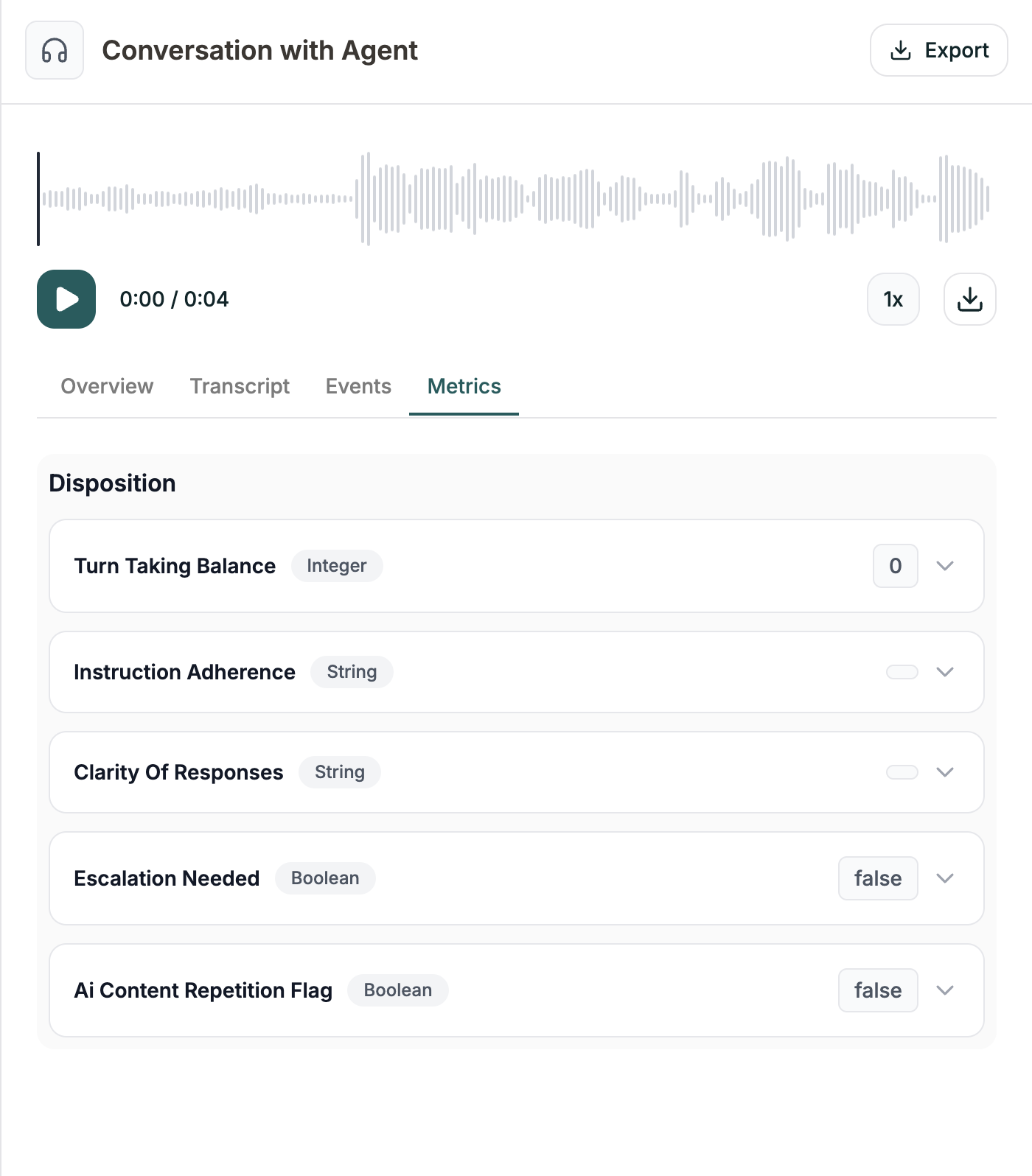
Click Details on any call to open the full conversation view. You’ll see tabs for different types of information:- Overview
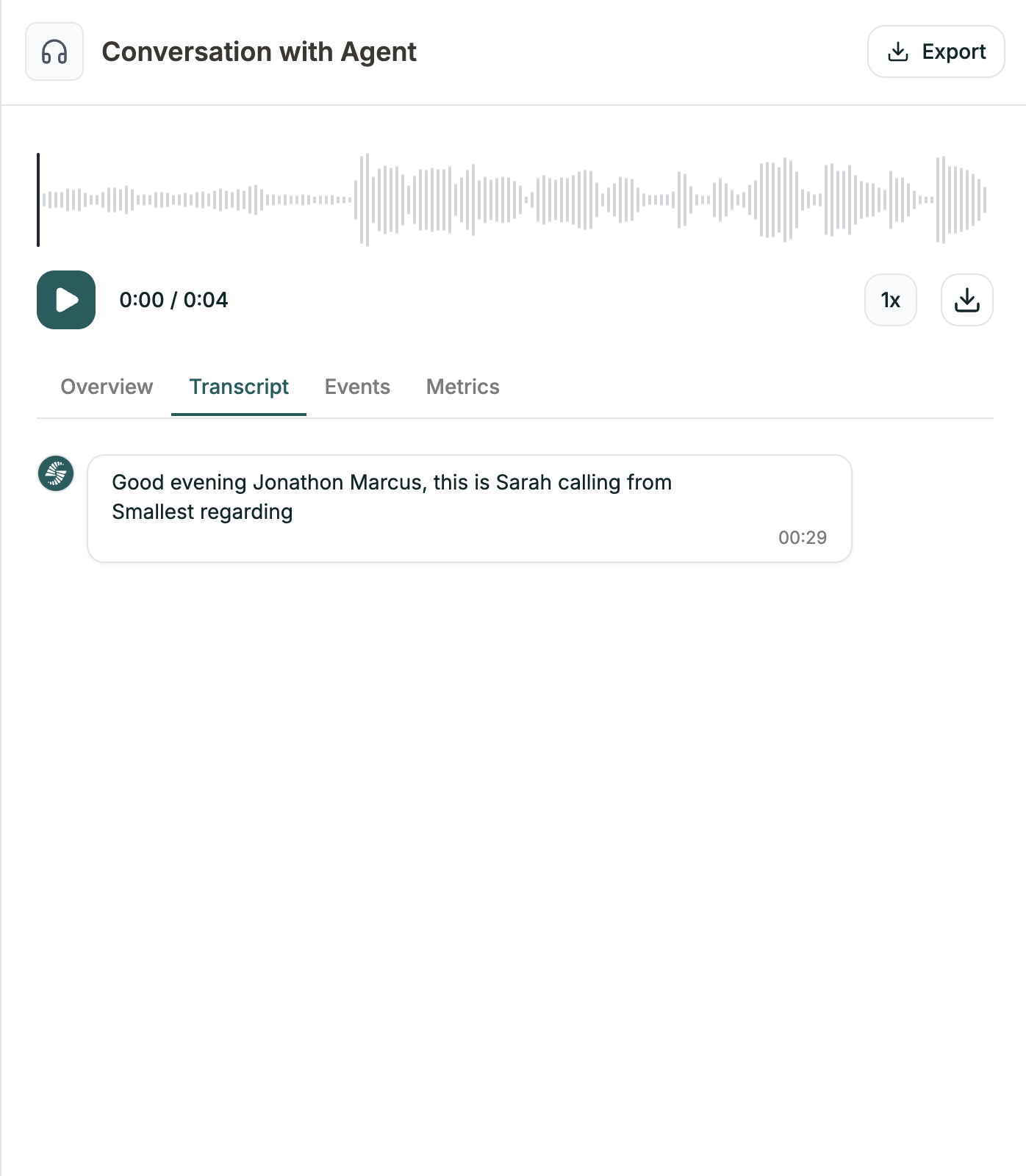
- Transcript
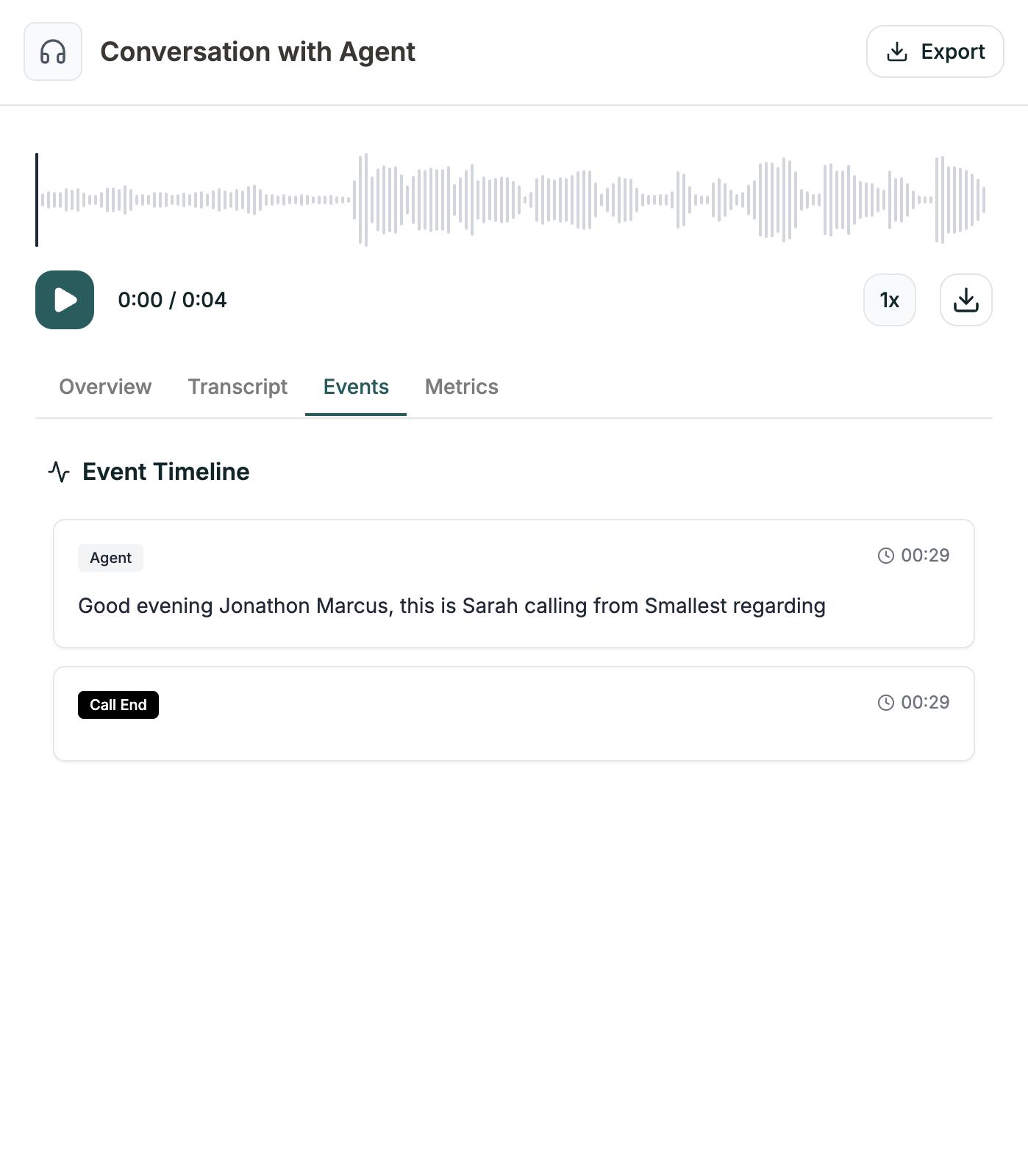
- Events
- Metrics
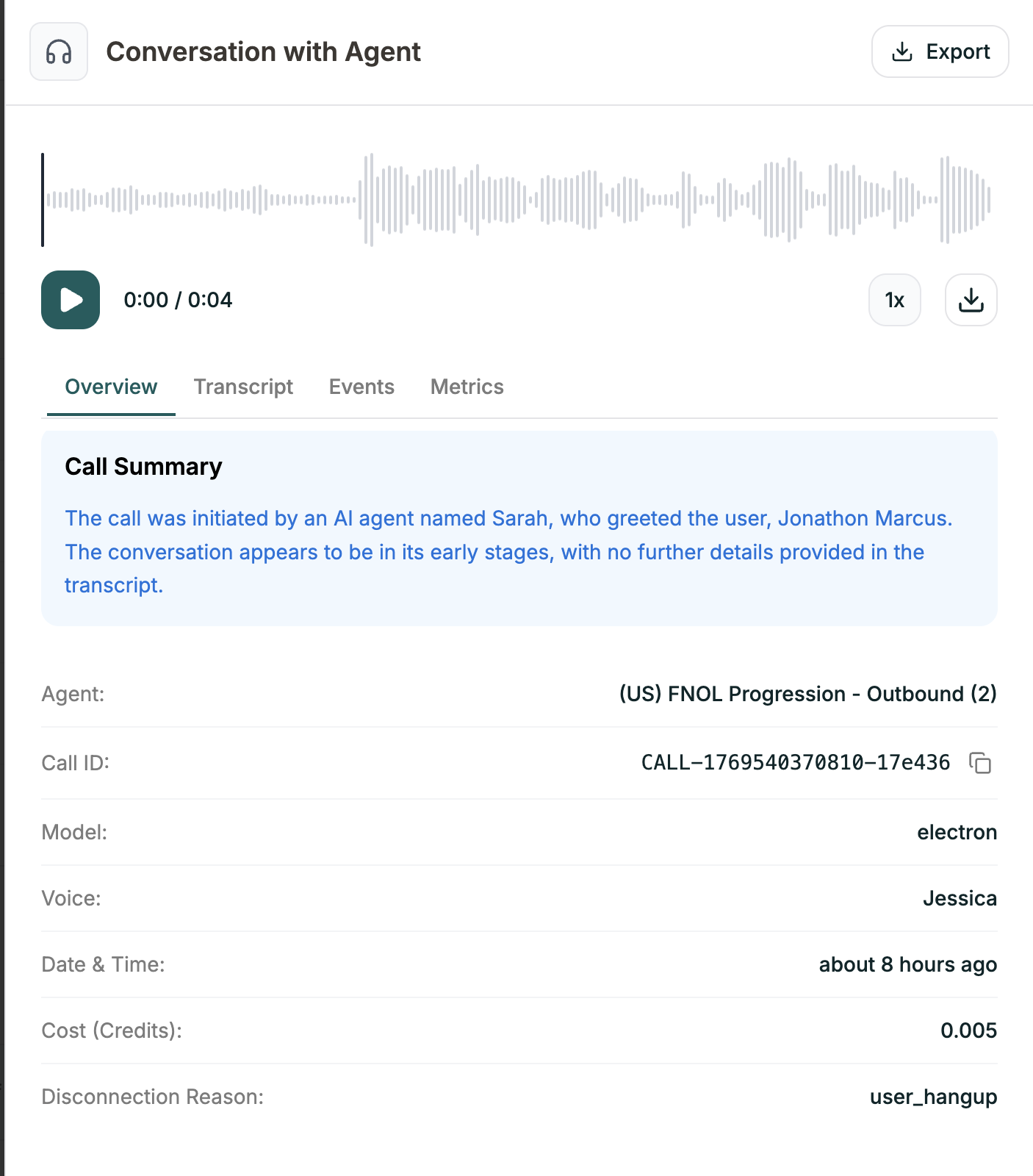
| Field | Description |
|---|---|
| Call Summary | AI-generated summary of what happened |
| Agent | Which agent handled the call |
| Call ID | Unique identifier |
| Model | AI model used |
| Voice | Voice used |
| Date & Time | When the call occurred |
| Cost (Credits) | Credit usage |
| Disconnection Reason | Why the call ended |
Exporting
Click the Export button to download your logs:| Format | Best for |
|---|---|
| JSON | Developers, programmatic analysis |
| CSV | Spreadsheets, reporting |
Related
Post-Call Metrics
Define what to track from each call
Testing
Test your agent