

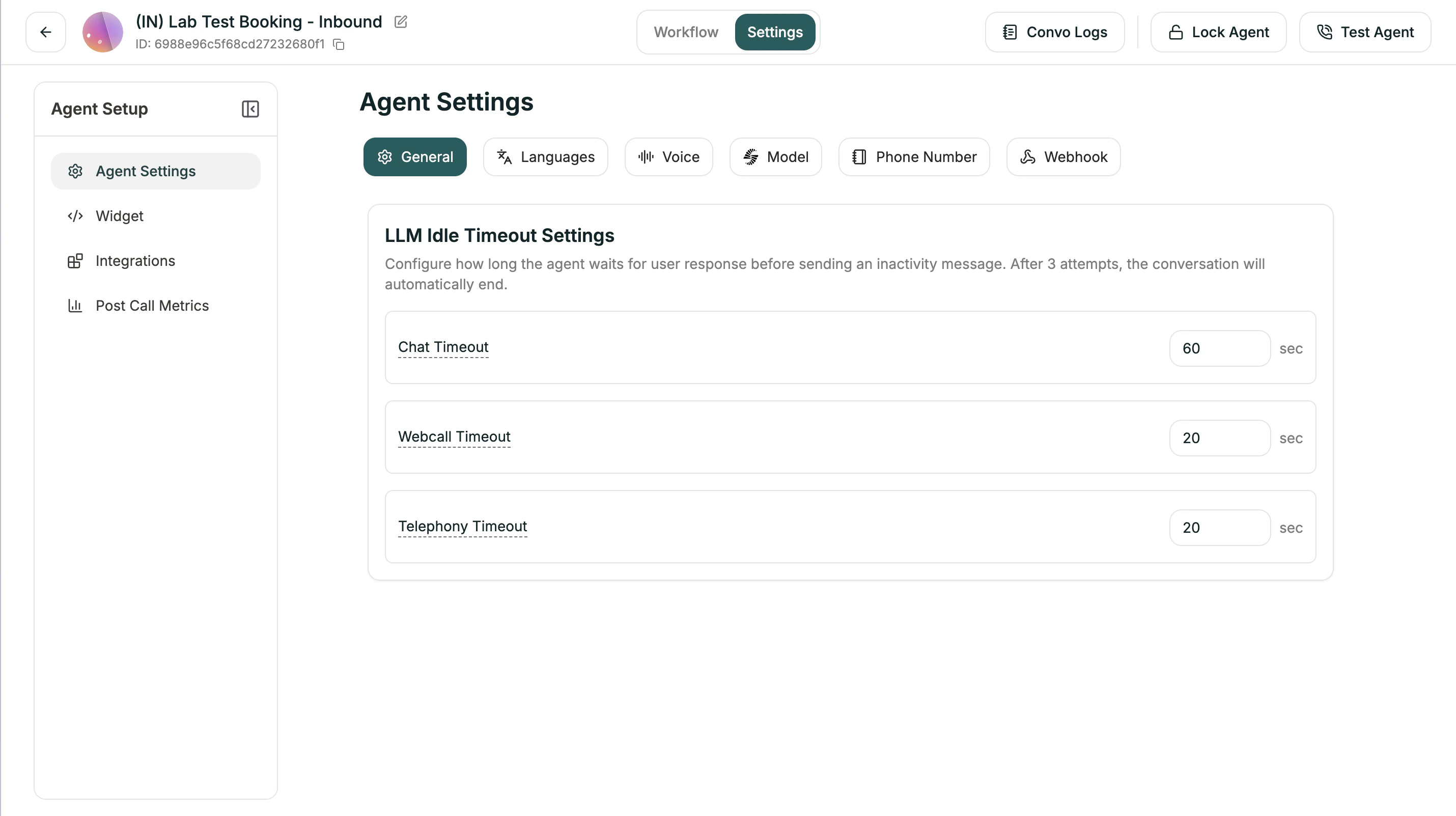
LLM Idle Timeout Settings
Configure how long the agent waits for user response before sending an inactivity message. After 3 attempts with no response, the conversation automatically ends.| Setting | Default | Description |
|---|---|---|
| Chat Timeout | 60 sec | For text chat conversations |
| Webcall Timeout | 20 sec | For browser-based voice calls |
| Telephony Timeout | 20 sec | For phone calls |
Next
Test Your Agent
Try your agent before going live
Conversation Logs
Review and analyze calls