

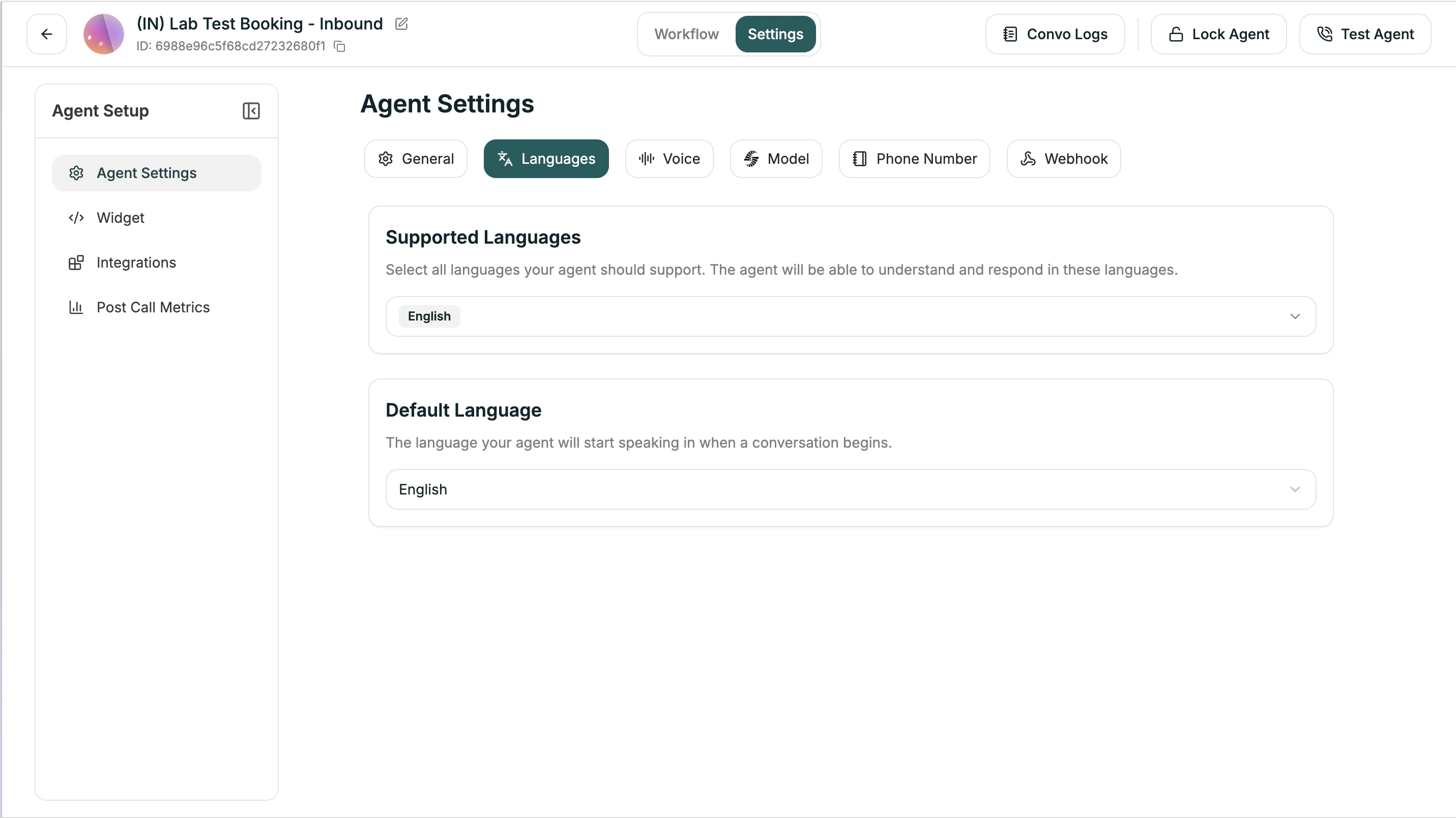
Configuration
| Setting | Description |
|---|---|
| Supported Languages | Languages your agent can speak and understand |
| Primary Language | Default language for starting conversations |
Adding Languages
- Open Settings tab
- Go to Languages
- Click + Add Language
- Select from available languages
- Set one as primary
Language Switching
When combined with Language Switching in the Model tab, your agent can automatically detect when a caller speaks a different language and switch accordingly.Next
Voice Settings
Configure speech speed and pronunciation
Model Settings
Set up Global Prompt and Knowledge Base