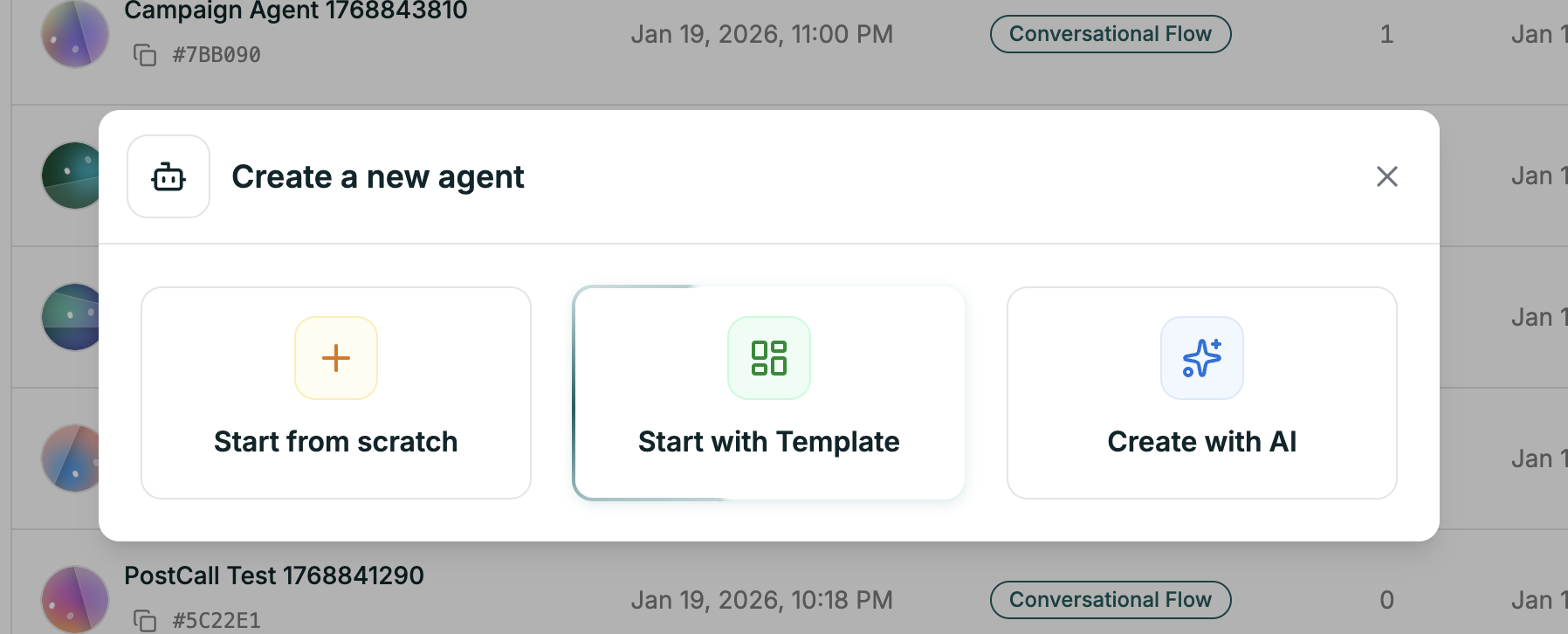
Starting from scratch gives you complete control. You’ll land in an empty editor ready for your instructions.
Getting There
Open Create Agent
From your dashboard, click the green Create Agent button in the top right.
Choose Start from Scratch
Select the first option in the modal. Select Single Prompt
Choose Single Prompt as your agent type.
What’s Next
You’re now in the editor. Here’s where to go from here:
Write Your Prompt
The heart of your agent — craft effective instructions
Pick Your Model
Choose the LLM that powers your agent
Select a Voice
Give your agent a voice that fits
Configure Features
End call, transfer, knowledge base, and more
First time? Start by writing your prompt, picking a voice, and hitting Test Agent (top right). You can refine everything else as you go.