

Variable Types
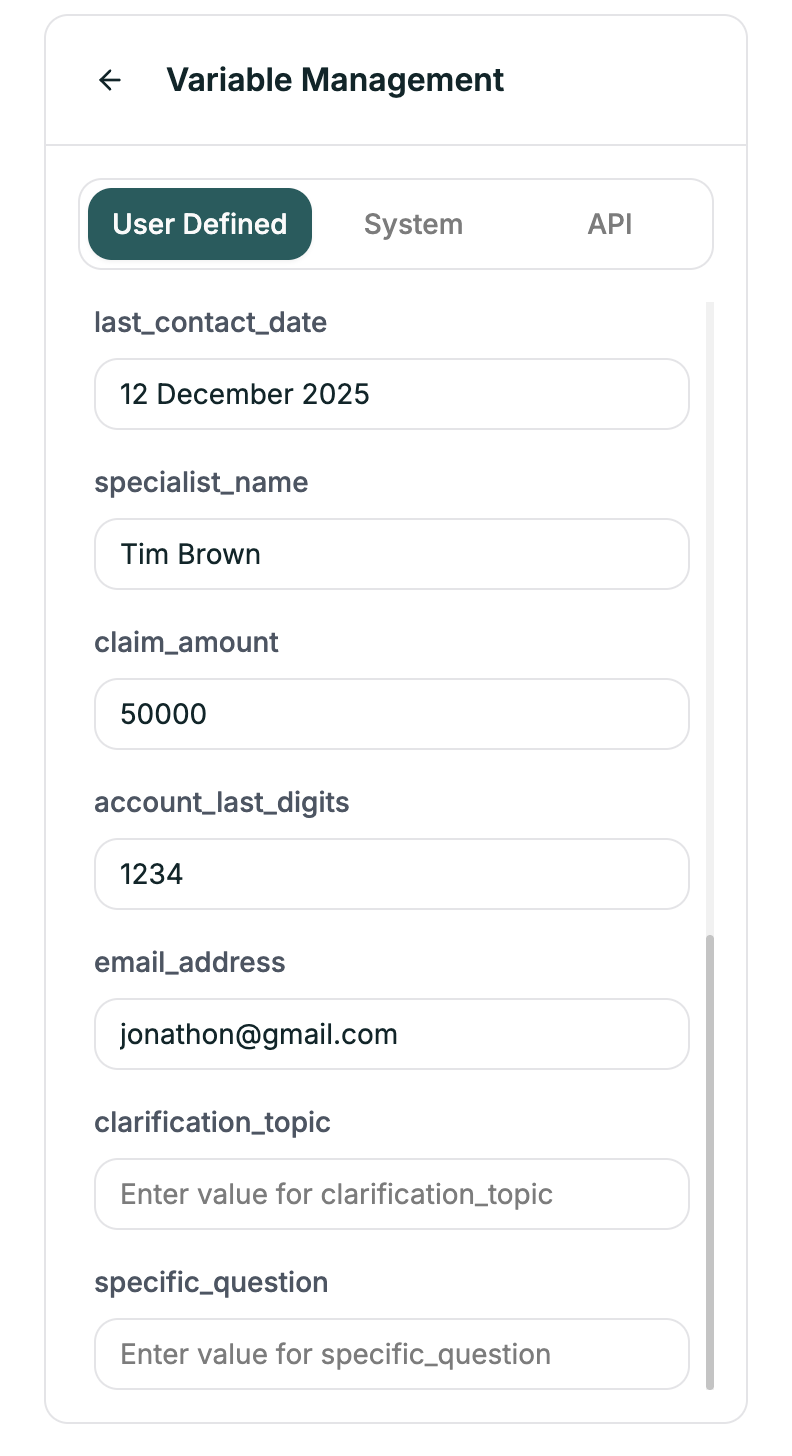
- User Defined
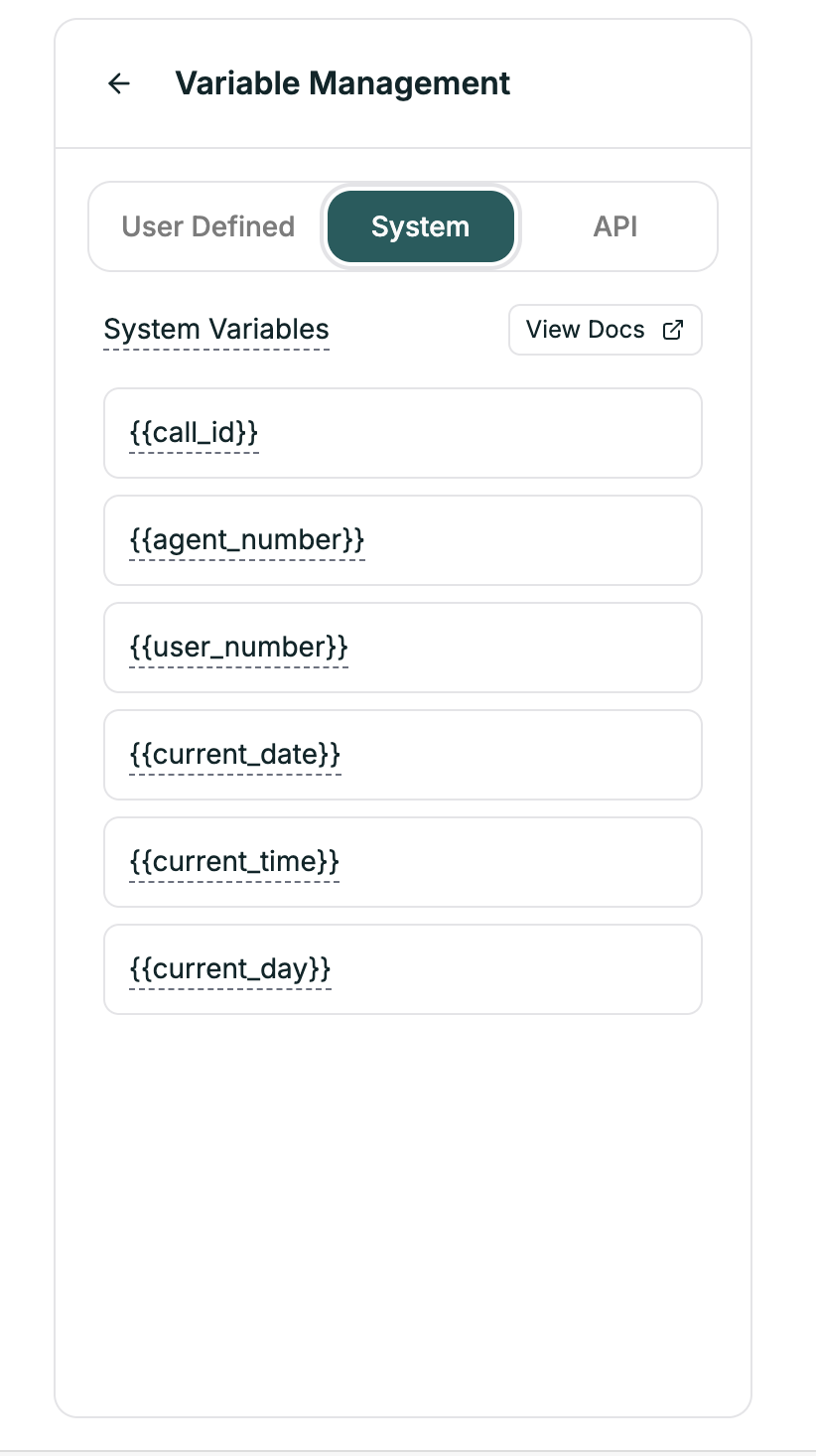
- System
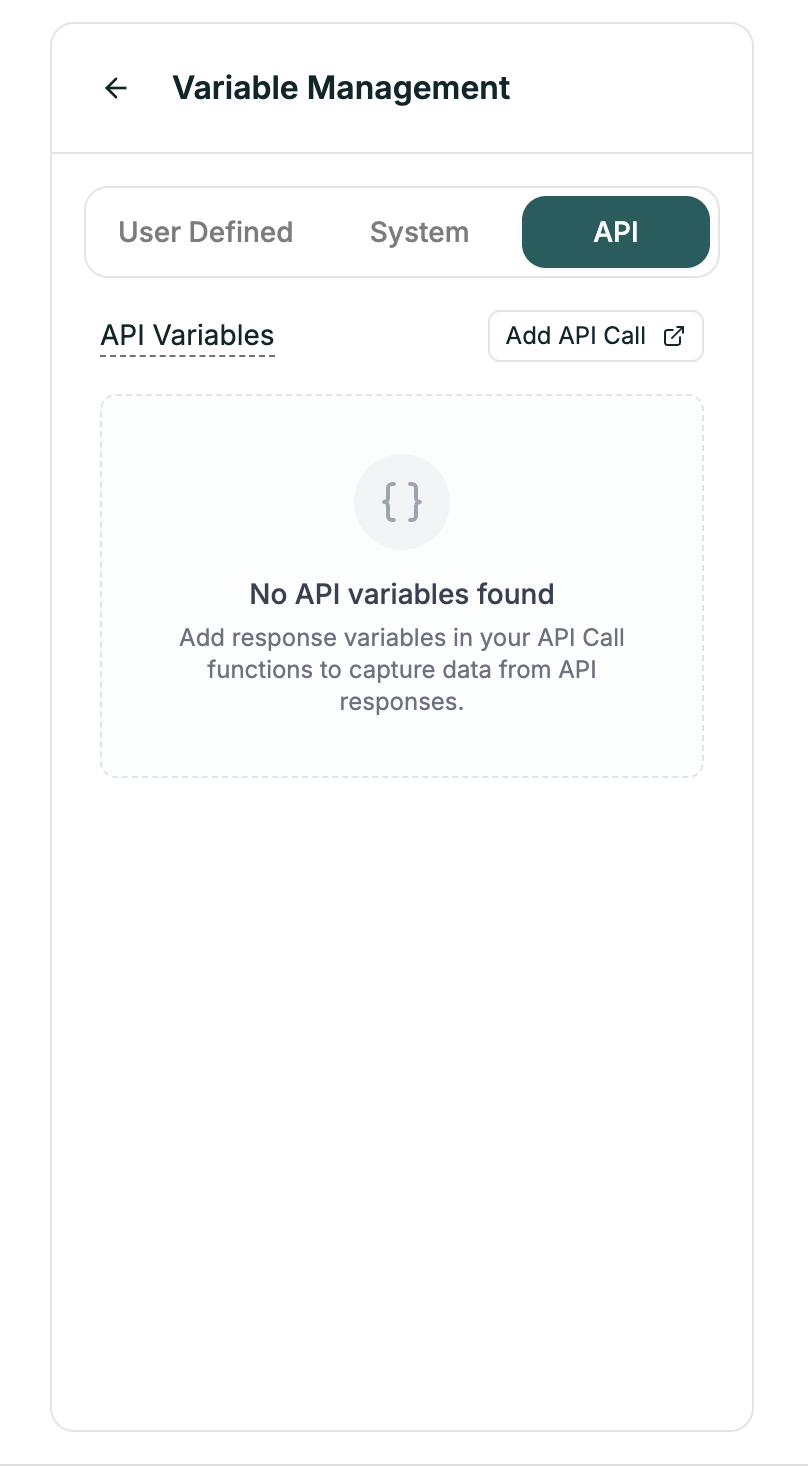
- API
| Example | Use Case |
|---|---|
{{company_name}} | Your company name |
{{support_hours}} | Operating hours |
{{promo_code}} | Current promotion |
Syntax
Use double curly braces:Example
In your prompt:Default Values
Handle missing variables gracefully:customer_name is empty → “Hello there!”
Creating User Variables
- Open the Variables panel
- Go to User Defined tab
- Click + Add Variable
- Enter name and default value
- Use in prompts with
{{name}}syntax
Best Practices
Use descriptive names
Use descriptive names
| Good | Bad |
|---|---|
{{customer_first_name}} | {{n}} |
{{appointment_date}} | {{d1}} |
Always have fallbacks
Always have fallbacks
What if the variable is empty?
- Use default values:
{{name|there}} - Handle in prompt: “If customer name is unknown, greet generically”
Test substitution
Test substitution
Verify variables replace correctly. Check Convo Logs to see actual values.
Related
API Calls
Fetch data from external APIs
Writing Prompts
Use variables in your prompts