

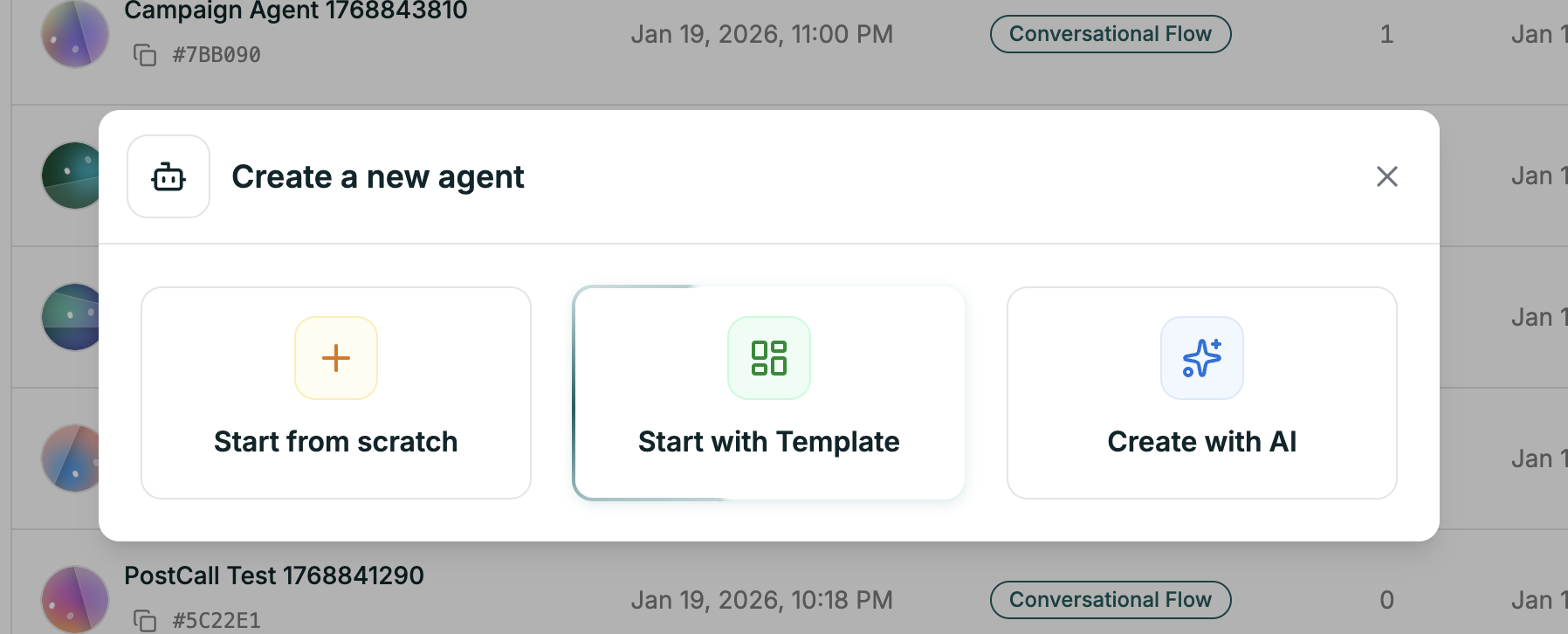
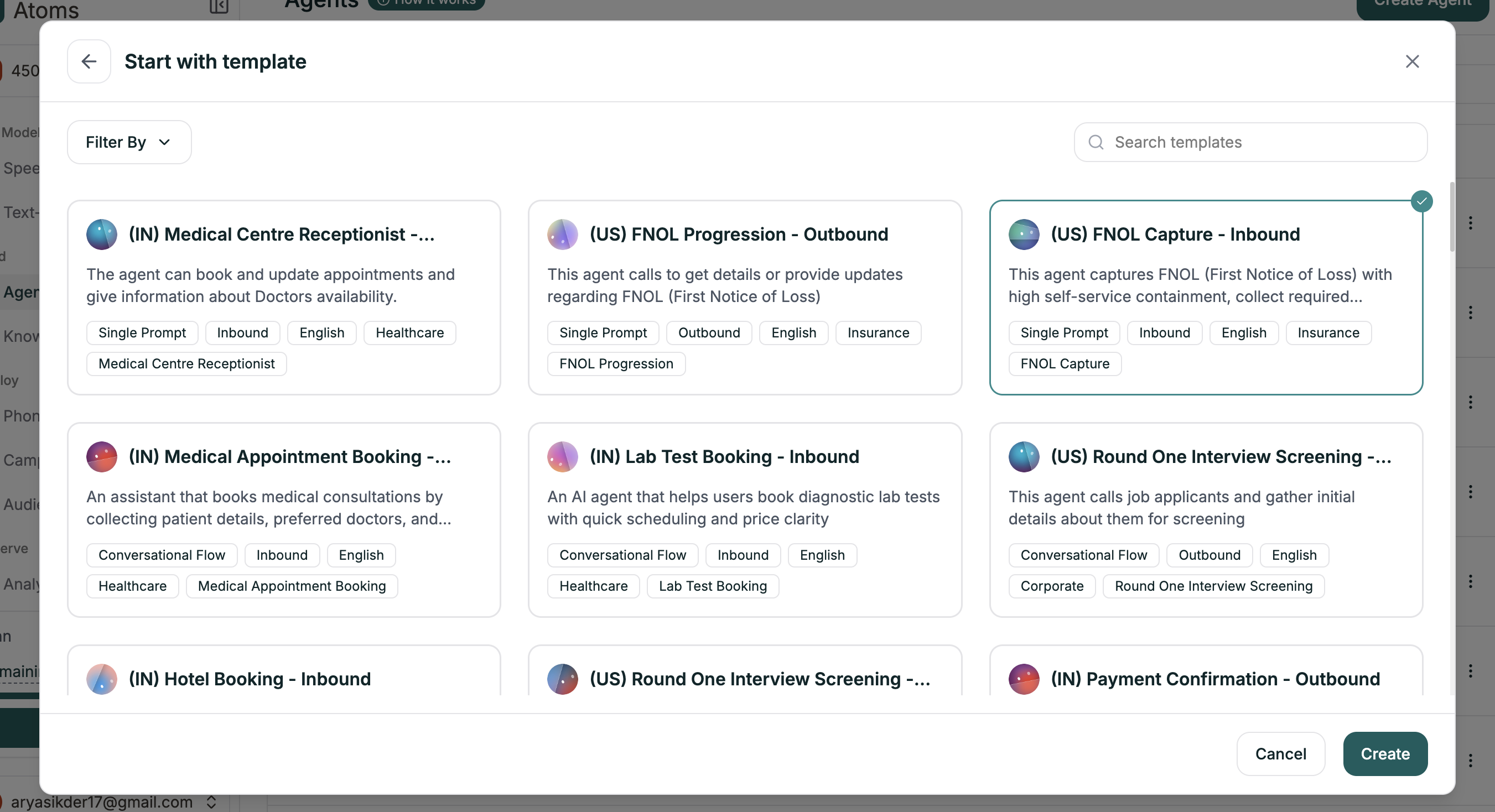
Getting There
The editor opens with a complete workflow — nodes, branches, and settings ready to customize.
What Templates Include
Each template comes with a complete starting point:| Component | What You Get |
|---|---|
| Complete Workflow | Nodes and branches for the entire conversation flow |
| Node Prompts | Pre-written prompts for each step |
| Branch Conditions | Logic already configured for common responses |
| Voice Selection | A voice that fits the use case |
Customizing Your Template
Templates are starting points. Always replace the placeholders with your specifics:- Company name and details — Replace placeholder names with your actual business
- Policies and rules — Update return windows, hours, pricing, etc.
- Node prompts — Adjust the tone to match your brand
- Branch conditions — Add or modify paths for your specific needs
What’s Next
Workflow Builder
Understand the canvas and make changes
Test Your Agent
Validate before deploying