

Variable Types
- User Defined
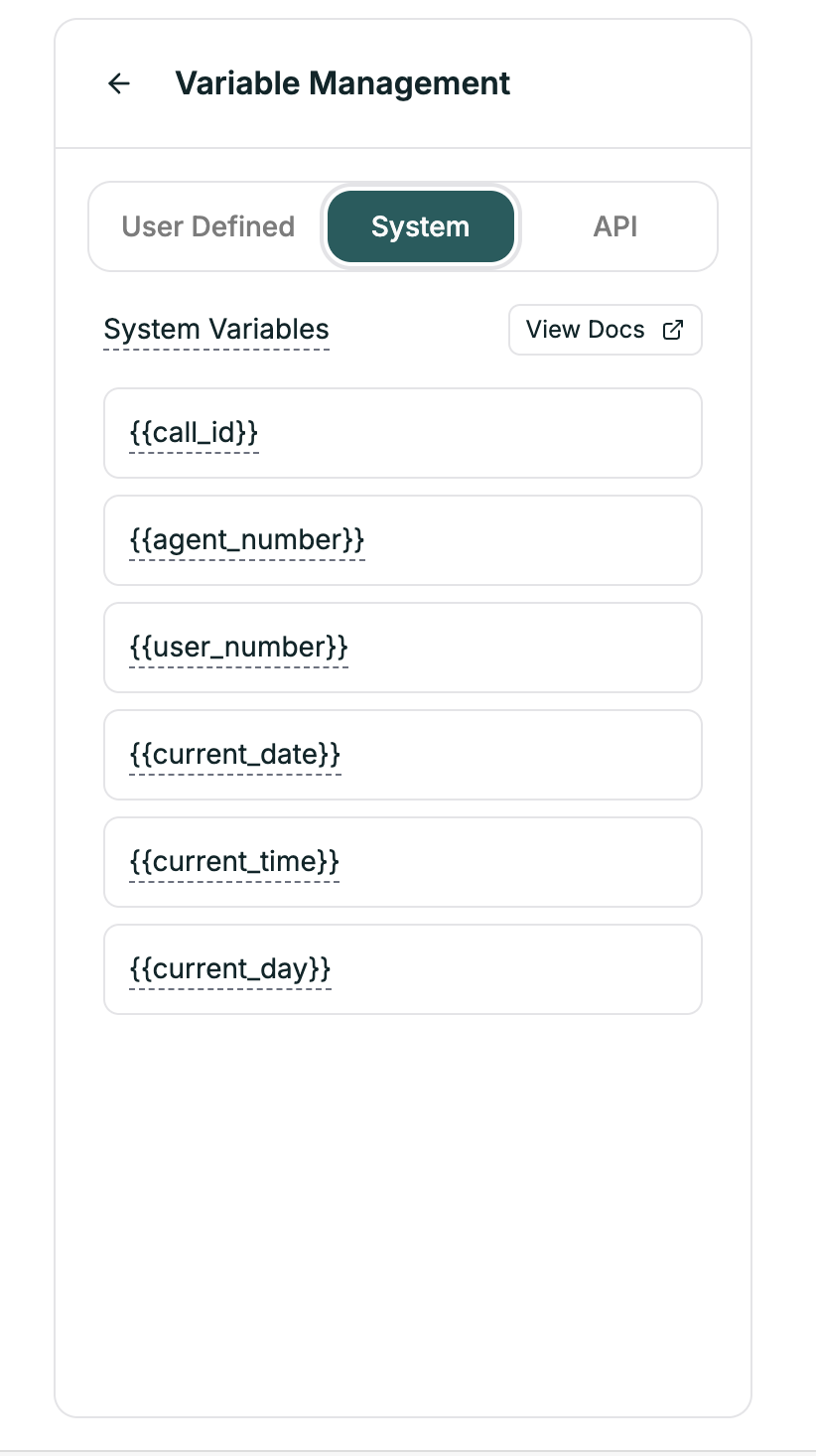
- System
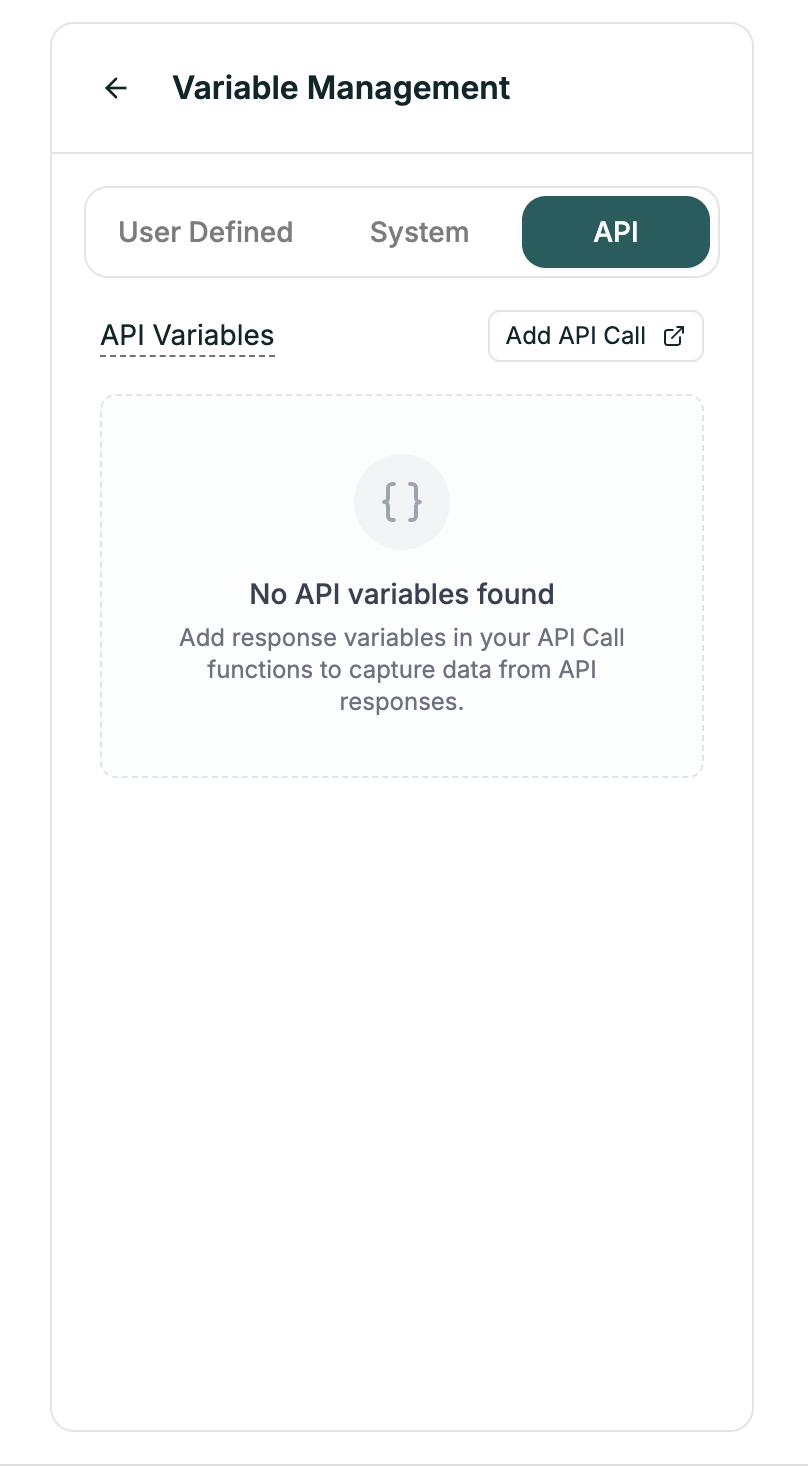
- API
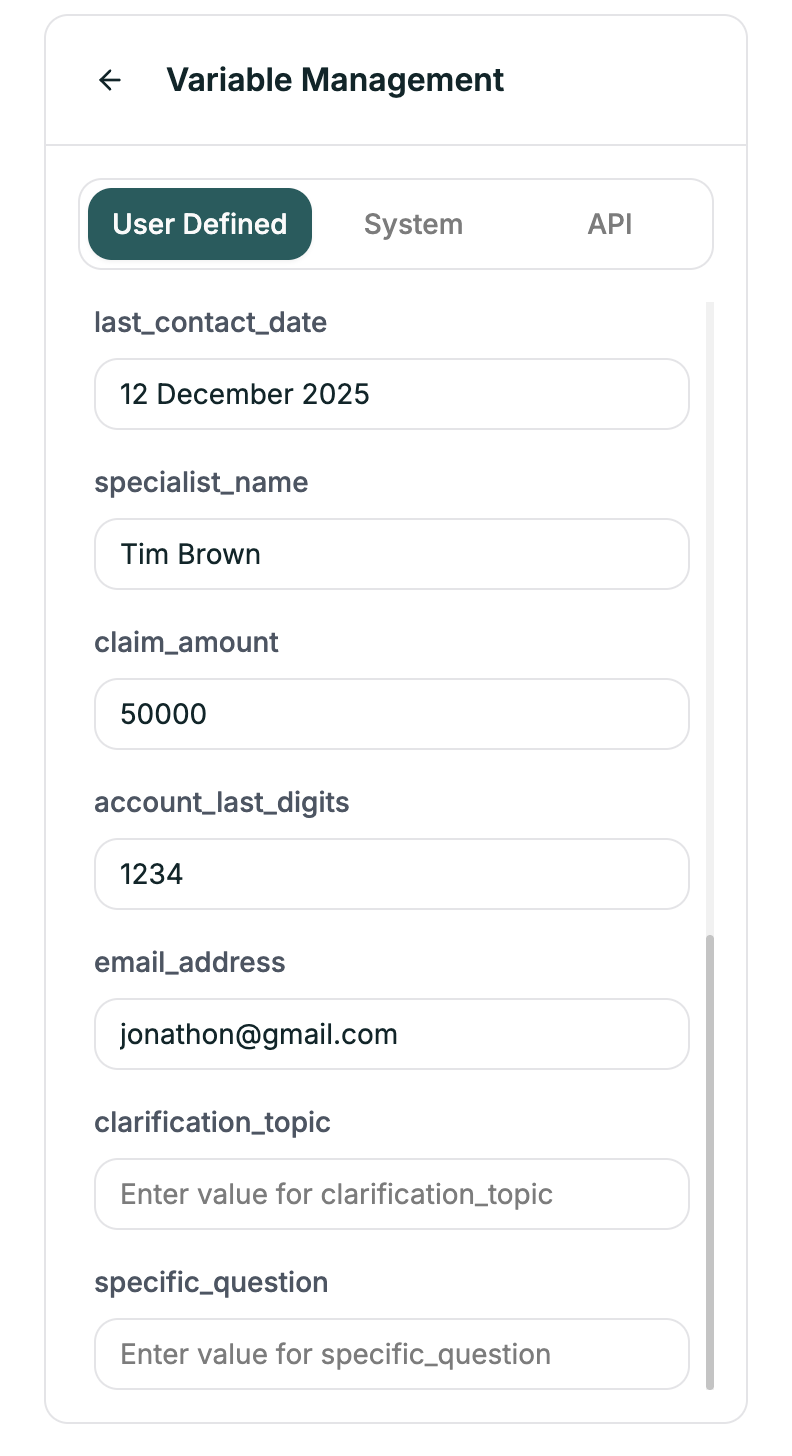
| Example | Use Case |
|---|---|
{{company_name}} | Your company name |
{{support_hours}} | Operating hours |
{{promo_code}} | Current promotion |
Syntax
Use double curly braces:Example
In your prompt:Default Values
Handle missing variables gracefully:customer_name is empty → “Hello there!”
Creating User Variables
- Open the Variables panel
- Go to User Defined tab
- Click + Add Variable
- Enter name and default value
- Use in prompts with
{{name}}syntax
Best Practices
Use descriptive names
Use descriptive names
| Good | Bad |
|---|---|
{{customer_first_name}} | {{n}} |
{{appointment_date}} | {{d1}} |
Always have fallbacks
Always have fallbacks
What if the variable is empty?
- Use default values:
{{name|there}} - Handle in prompt: “If customer name is unknown, greet generically”
Test substitution
Test substitution
Verify variables replace correctly. Check Convo Logs to see actual values.