

Setup
- Toggle API Calls ON
- Click ⚙️ to open settings
- Click + Add API Call
Configuration
The API Call modal has two main sections.Basic Setup & API Configuration
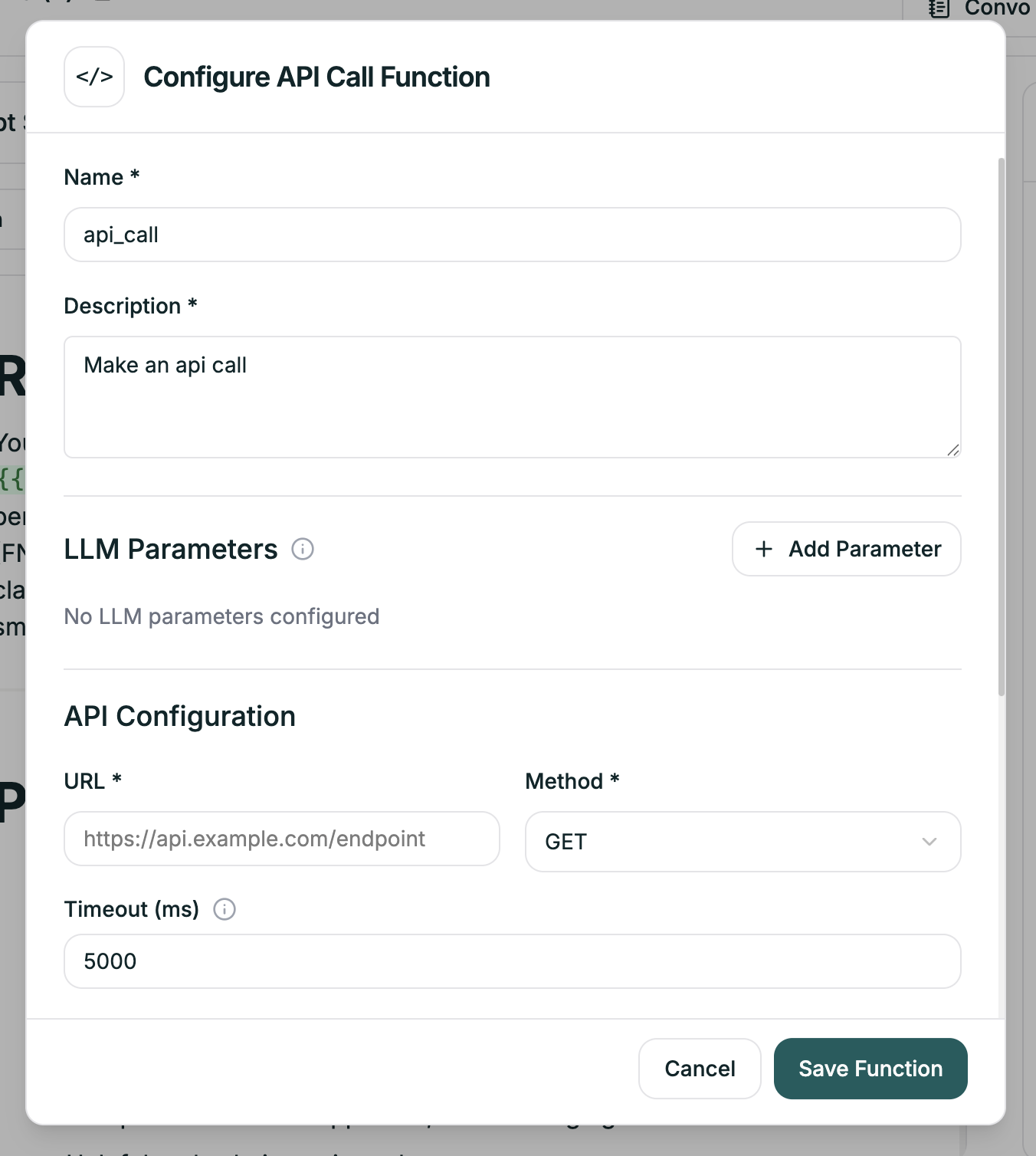
| Field | Required | Description |
|---|---|---|
| Name | Yes | Identifier for this API call (e.g., lookup_customer) |
| Description | Yes | Tells the AI when to trigger this call |
| LLM Parameters | No | Parameters the LLM can populate dynamically |
| URL | Yes | The API endpoint |
| Method | Yes | GET, POST, PUT, or DELETE |
| Timeout (ms) | Yes | How long to wait before failing (default: 5000) |
Headers, Parameters & Response Extraction
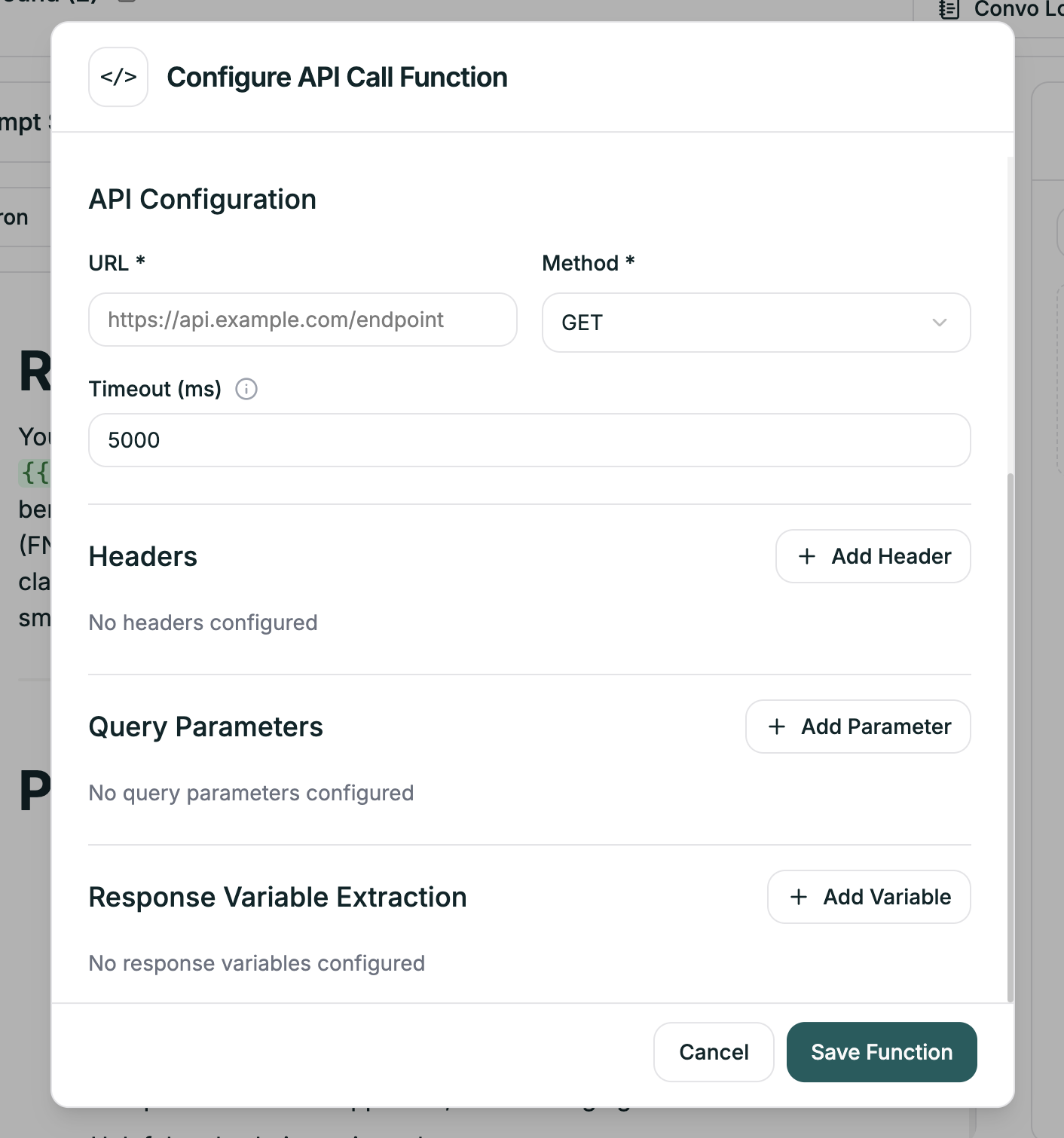
| Field | Purpose |
|---|---|
| Headers | Request headers (Authorization, Content-Type, etc.) |
| Query Parameters | URL parameters for GET requests |
| Response Variable Extraction | Map response fields to variables you can use in prompts |
LLM Parameters
These are values the AI determines during conversation and passes to your API. Click + Add Parameter to define what the AI should collect. For example, if you need an order ID to look up status, add a parameter calledorder_id — the AI will extract it from the conversation and include it in the request.
Response Variable Extraction
This is where the magic happens. Map fields from the API response to variables you can use in your prompts. Click + Add Variable and specify:- The path in the JSON response (e.g.,
customer.name) - The variable name (e.g.,
customer_name)
{{api.customer_name}} in your prompt.
Example: Customer Lookup
- Configuration
- Response Mapping
- In Prompt
| Field | Value |
|---|---|
| Name | lookup_customer |
| Description | ”Look up customer information when the call starts” |
| URL | https://crm.example.com/api/customers |
| Method | GET |
| Query Parameters | phone: {{caller_phone}} |
Using Variables in API Calls
You can use variables anywhere in your API configuration: In URL:Tips
Write clear descriptions
Write clear descriptions
The description tells the AI when to make this call. Be specific:
| Vague | Specific |
|---|---|
| ”Get customer" | "Look up customer information using their phone number when the call starts" |
| "Check order" | "Fetch order status when the customer provides an order number” |
Handle failures gracefully
Handle failures gracefully
APIs can fail. In your prompt, tell the agent what to do:“If customer data isn’t available, greet generically and ask for their name. Don’t mention that a lookup failed.”
Use appropriate timeouts
Use appropriate timeouts
Default is 5000ms (5 seconds). For slow APIs, increase this — but remember the caller is waiting.