

What’s Different by Agent Type
- Single Prompt
- Conversational Flow
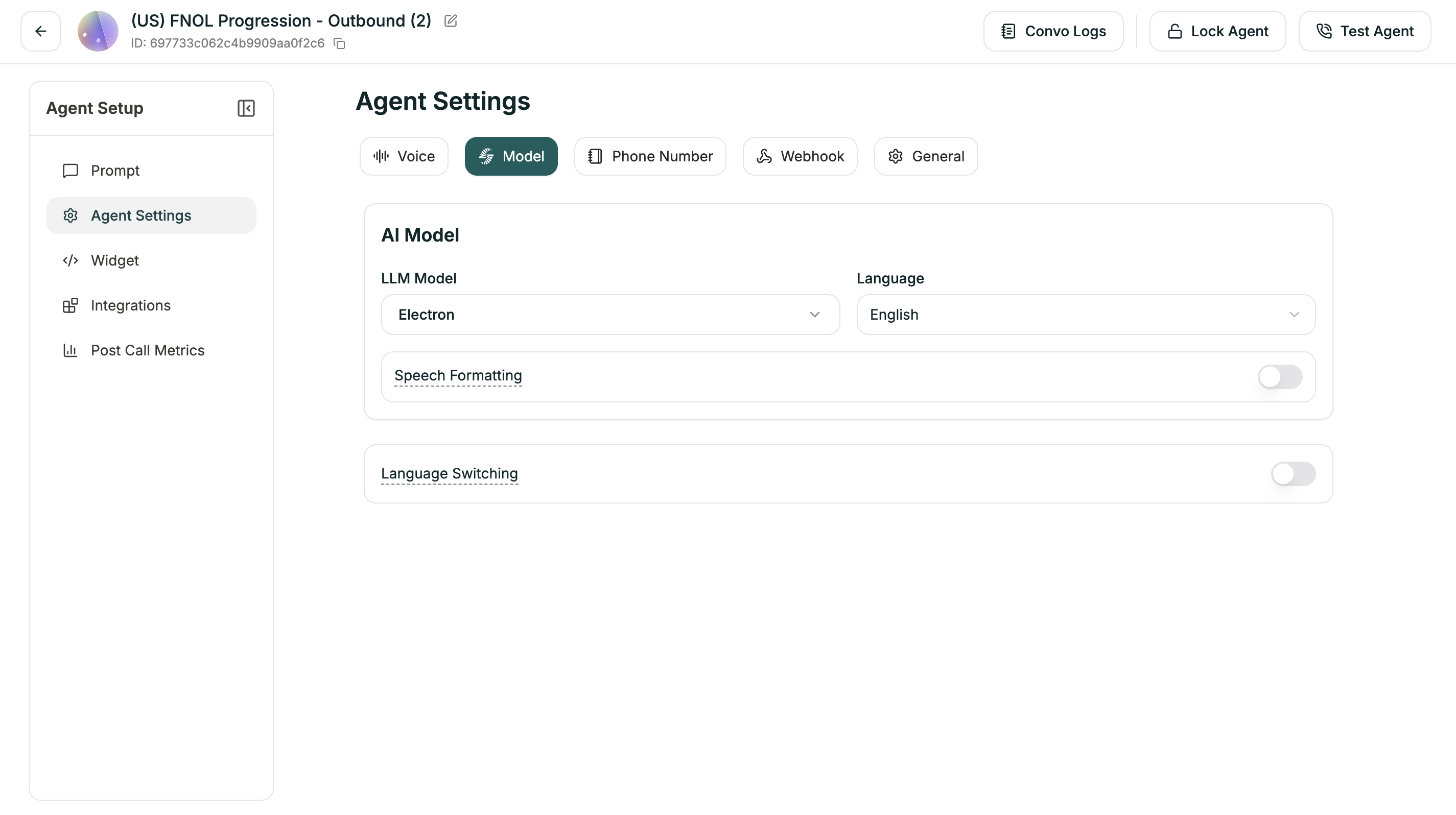
- AI Model (LLM Model + Language)
- Speech Formatting
- Language Switching
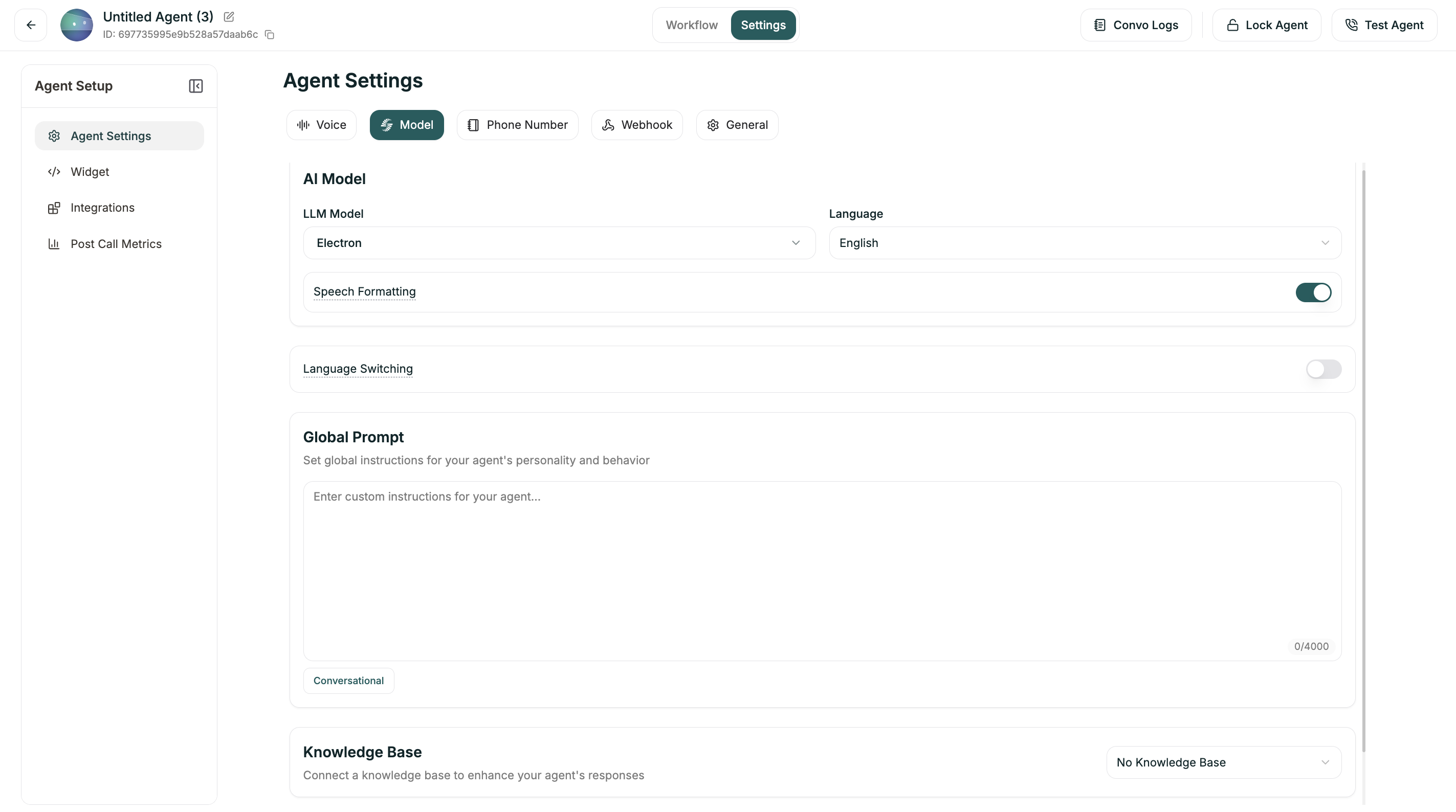
AI Model
Choose the LLM powering your agent and its primary language.| Setting | Description |
|---|---|
| LLM Model | The AI model (Electron, GPT-4o, etc.) |
| Language | Primary language for responses |
Speech Formatting
When enabled (default: ON), Speech Formatting automatically applies additional formatting to transcripts to improve readability — including punctuation, paragraphs, and entity formatting like dates, times, and numbers.Language Switching
Enable your agent to switch languages mid-conversation based on what the caller speaks (default: ON).Advanced Settings
When Language Switching is enabled, you can fine-tune how the agent detects language changes:| Setting | Range | Default | What it does |
|---|---|---|---|
| Minimum Words for Detection | 1-10 | 2 | How many words before considering a language switch |
| Strong Signal Threshold | 0-1 | 0.7 | Confidence level for immediate switch |
| Weak Signal Threshold | 0-1 | 0.3 | Confidence level for tentative detection |
| Consecutive Weak Signals | 1-8 | 2 | How many weak signals needed to switch |
- Strong Signal: The AI is very confident the caller switched languages → switches immediately.
- Weak Signal: The AI is somewhat confident → waits for more evidence.
- Higher thresholds = More certain before switching (reduces false switches)
- Lower thresholds = Quicker to switch (more responsive, but may false-trigger)
Global Prompt (Conversational Flow Only)
Set global instructions for your agent’s personality and behavior. This applies across all nodes in your flow (limit: 4,000 characters). Use this to define:- Personality traits (“friendly and professional”)
- Behavioral guidelines (“always confirm before transferring”)
- Consistent phrasing or style
- Company-specific instructions
This is only available for Conversational Flow agents. Single Prompt agents define everything in their main prompt.
Knowledge Base (Conversational Flow Only)
Connect a knowledge base to enhance your agent’s responses with reference material. Click the dropdown to select from your existing knowledge bases, or leave as “No Knowledge Base” if not needed.Single Prompt agents connect knowledge bases via the Configuration Panel instead.