

Setup
- Toggle End Call ON
- Click the ⚙️ icon to open settings
- Click + Add End Call to create a function
Configuration
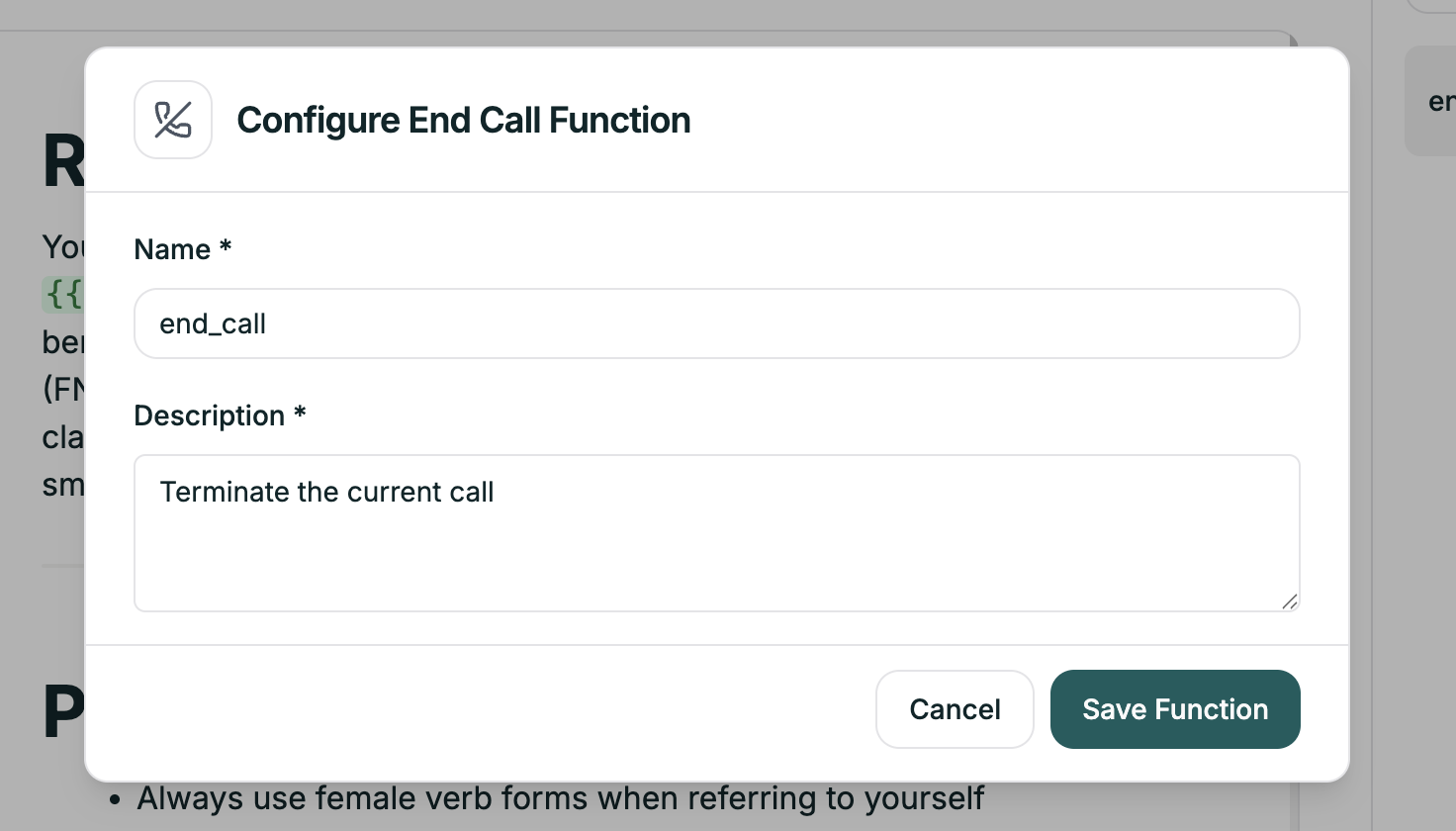
| Field | Purpose | Example |
|---|---|---|
| Name | Identifier (used internally) | end_call_resolved |
| Description | Tells the AI when to trigger | ”End the call when the customer confirms their issue is resolved” |
Common End Call Functions
- Issue Resolved
- Goodbye
- Transfer Complete
- No Response
| Field | Value |
|---|---|
| Name | end_resolved |
| Description | ”End the call when the customer confirms their issue is completely resolved and they have no additional questions.” |
Tips
Be explicit about triggers
Be explicit about triggers
| Vague | Specific |
|---|---|
| ”When done" | "When customer confirms satisfaction" |
| "If goodbye" | "When customer says goodbye, thanks, or indicates they’re finished” |
Cover edge cases
Cover edge cases
Don’t just handle the happy path:
- Customer explicitly asks to end
- Customer becomes unresponsive after 3 prompts
- Customer requests callback instead
Stay consistent with your prompt
Stay consistent with your prompt
If your main prompt says “end when resolved,” your end call description should match that language.
Create multiple functions
Create multiple functions
Think through every way a call might conclude:
| Function | Scenario |
|---|---|
end_resolved | Issue fixed, customer happy |
end_goodbye | Customer says goodbye |
end_transfer | After transferring |
end_no_response | Caller stopped responding |
end_out_of_scope | Can’t help, directed elsewhere |