

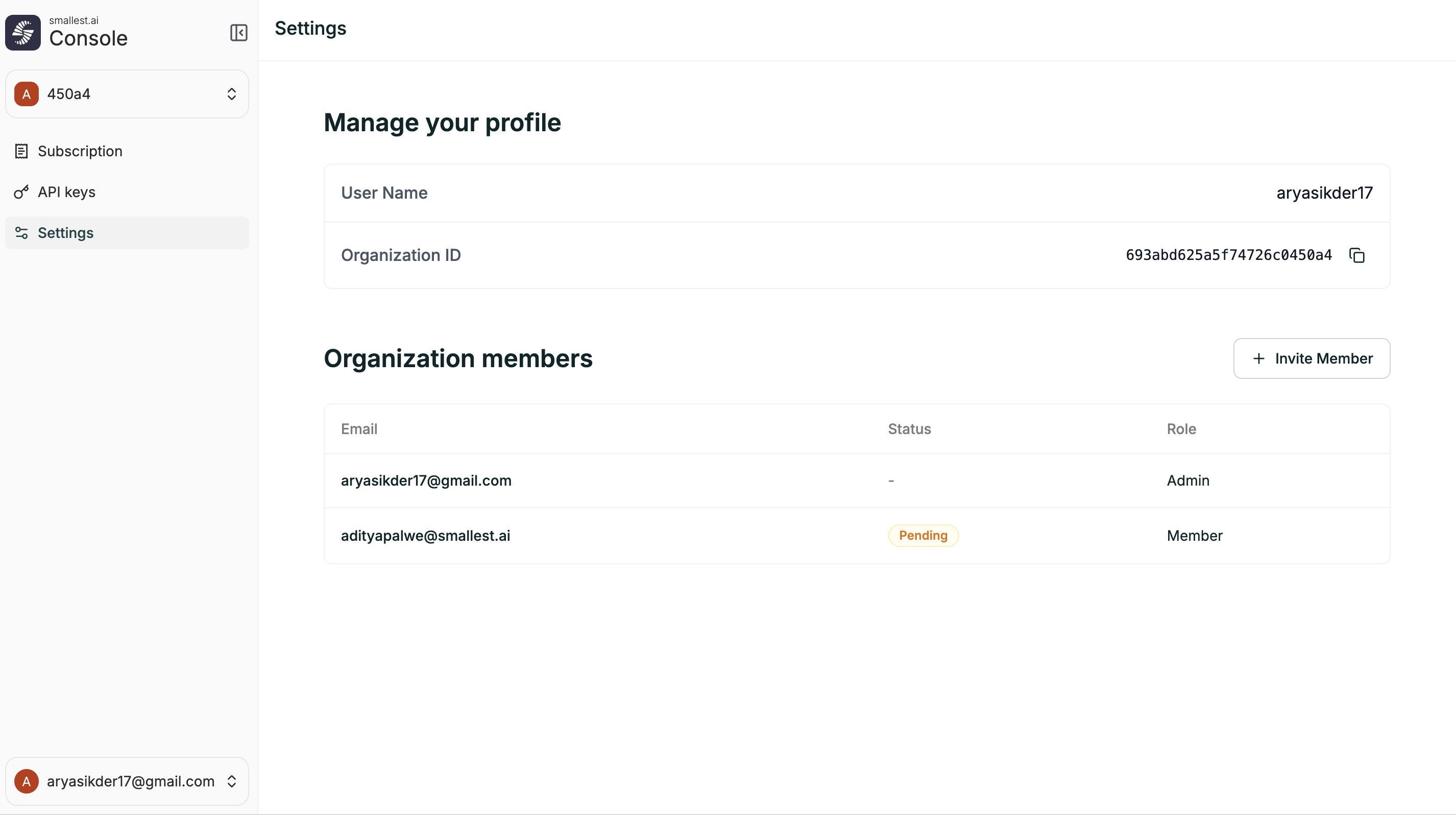
Profile
The Settings page shows your account details:| Field | Description |
|---|---|
| User Name | Your display name |
| Organization ID | Unique identifier for your organization (click to copy) |
Organization Members
Manage who has access to your organization. You can invite new members and see the status of existing ones.Inviting a Member
- Go to app.smallest.ai → Settings
- Click + Invite Member
- Enter the team member’s email address
- The invitee will receive an email to join your organization
Member Details
The members table shows:| Column | Description |
|---|---|
| The member’s email address | |
| Status | Active or Pending (invitation sent but not yet accepted) |
| Role | Admin or Member |
Roles
| Role | Access |
|---|---|
| Admin | Full access — manage agents, campaigns, settings, billing, and team members |
| Member | Standard access — work with agents and campaigns, no team or billing management |